Open the till at the start of the day
For: Beauty advisors, Store managers
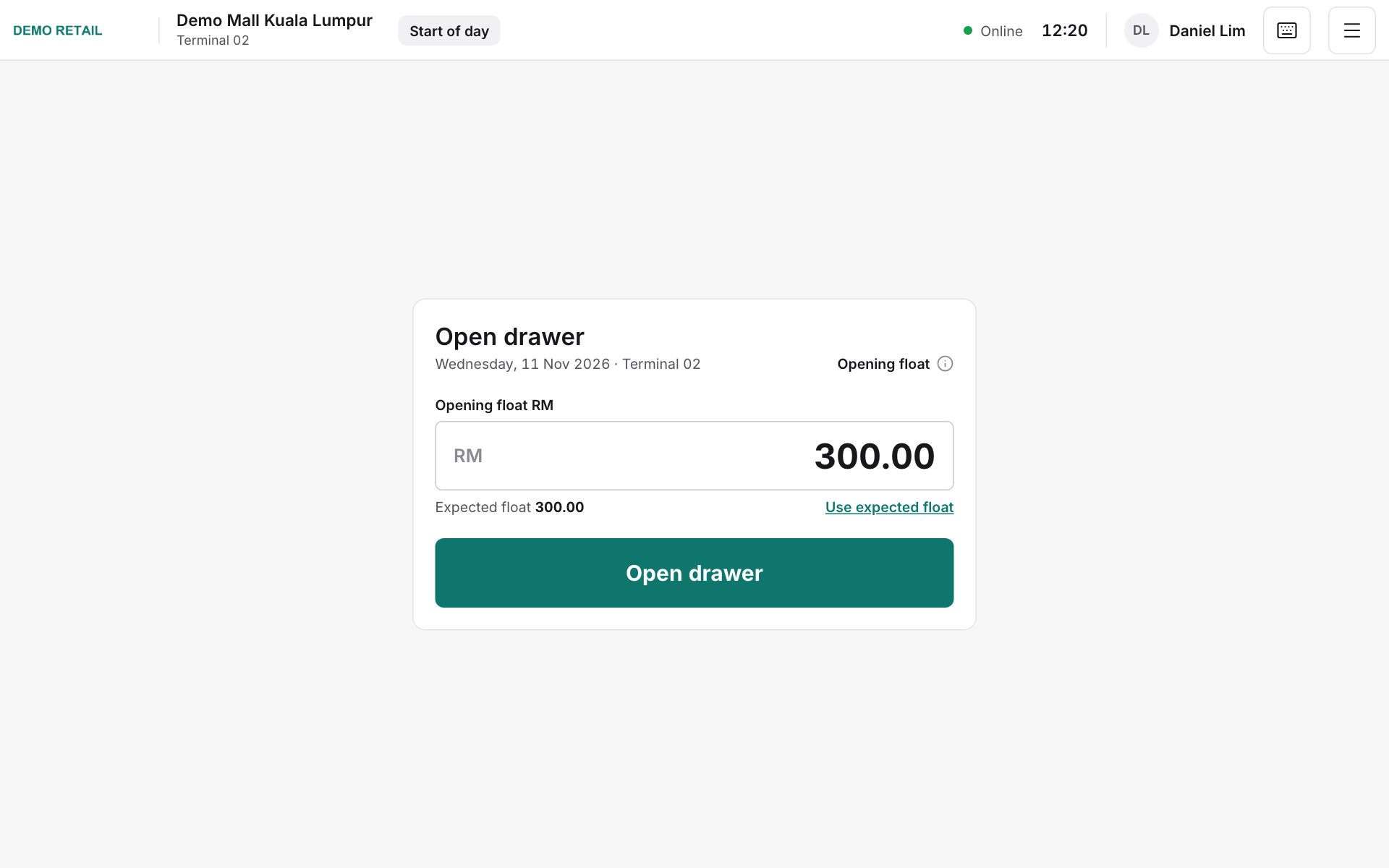
Whole guide as PDF (2 MB)The first time the till opens each day, it asks how much cash is already in the drawer (the "float").
- Type the total amount under Opening float RM, or press Use expected float if it matches.
- If the amount is different from the expected float, a store manager has to approve it.
- Press Open drawer.
If a yellow banner says an earlier day's drawer is still open, close that day first (see Close the day).