Return or exchange an item
For: Beauty advisors, Store managers
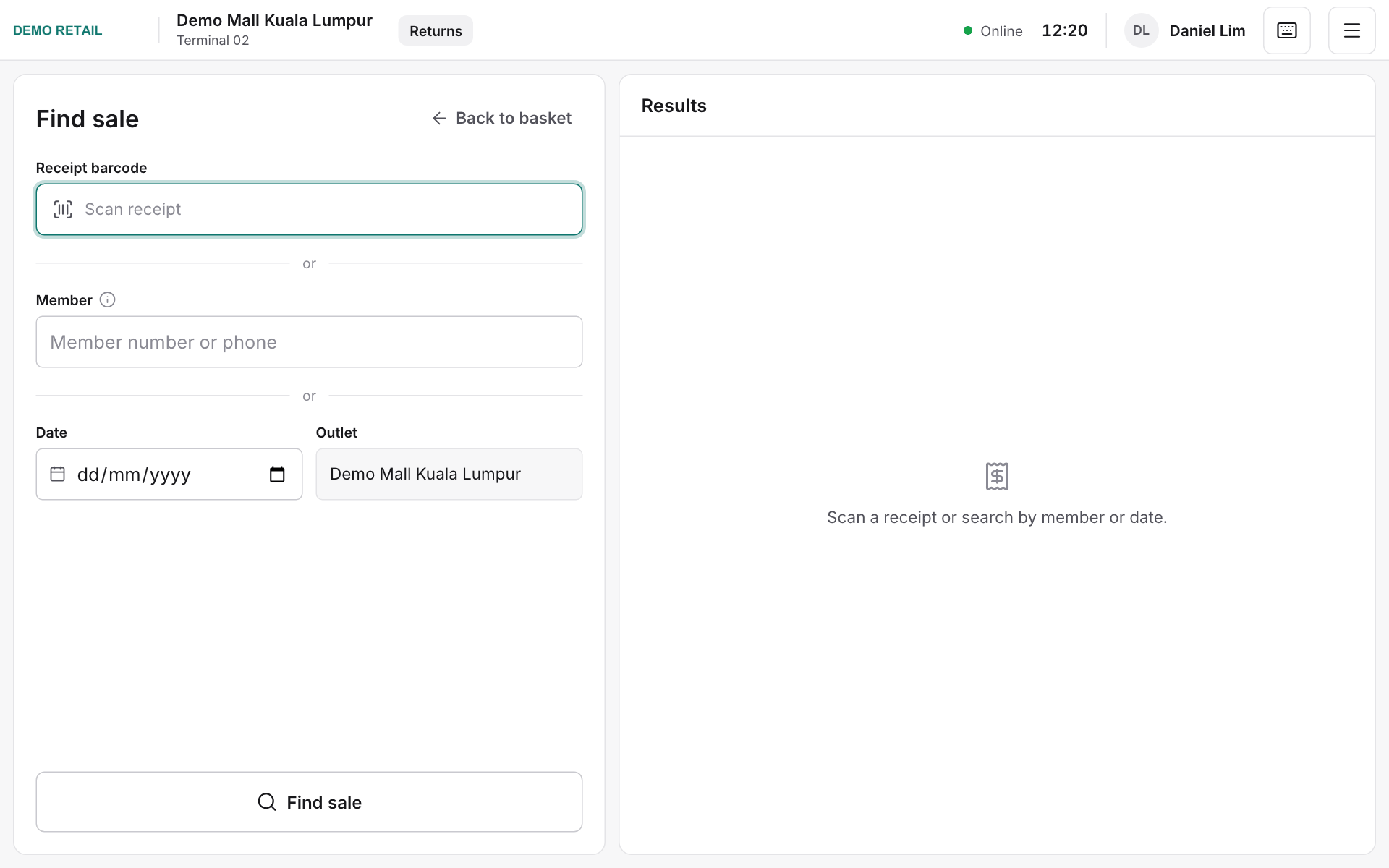
Whole guide as PDF (2 MB)- Press the menu button (☰) at the top right of the till, then Returns.
- Find the original sale: scan the receipt barcode, or search by member number, phone or date. Press Find sale.
- Pick the items coming back and follow the screen.
- The refund goes back the way the customer paid. Money paid through RHB Pay (FPX, Card online, DuitNow) is refunded in cash from the drawer.
Refunds above your role's limit need a store manager to approve on the till.