Outlets and tills
For: Administrators
Whole guide as PDF (2 MB)Most staff do not see these pages. Outlets come from your company's central records and update every night.
Outlets
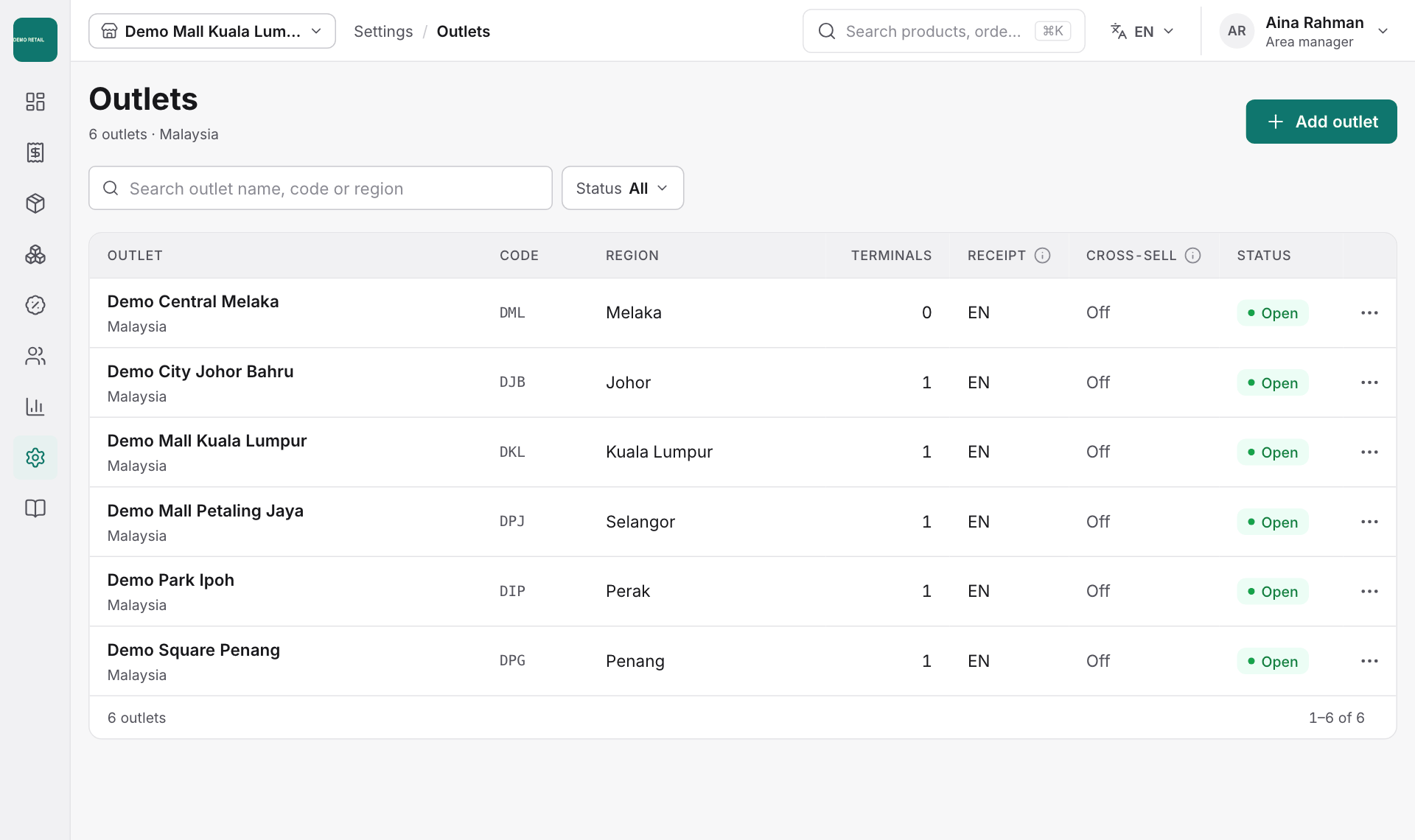
Open Settings, then Outlets, to see every outlet with its code, region, number of tills, receipt language and status. Use the ⋯ button on a row to change an outlet's settings.
Set up a new till computer
Each till computer is registered once for its outlet.
- Open Settings, then Terminals.
- Choose the Outlet and press Register terminal.
- Follow the steps on the till.
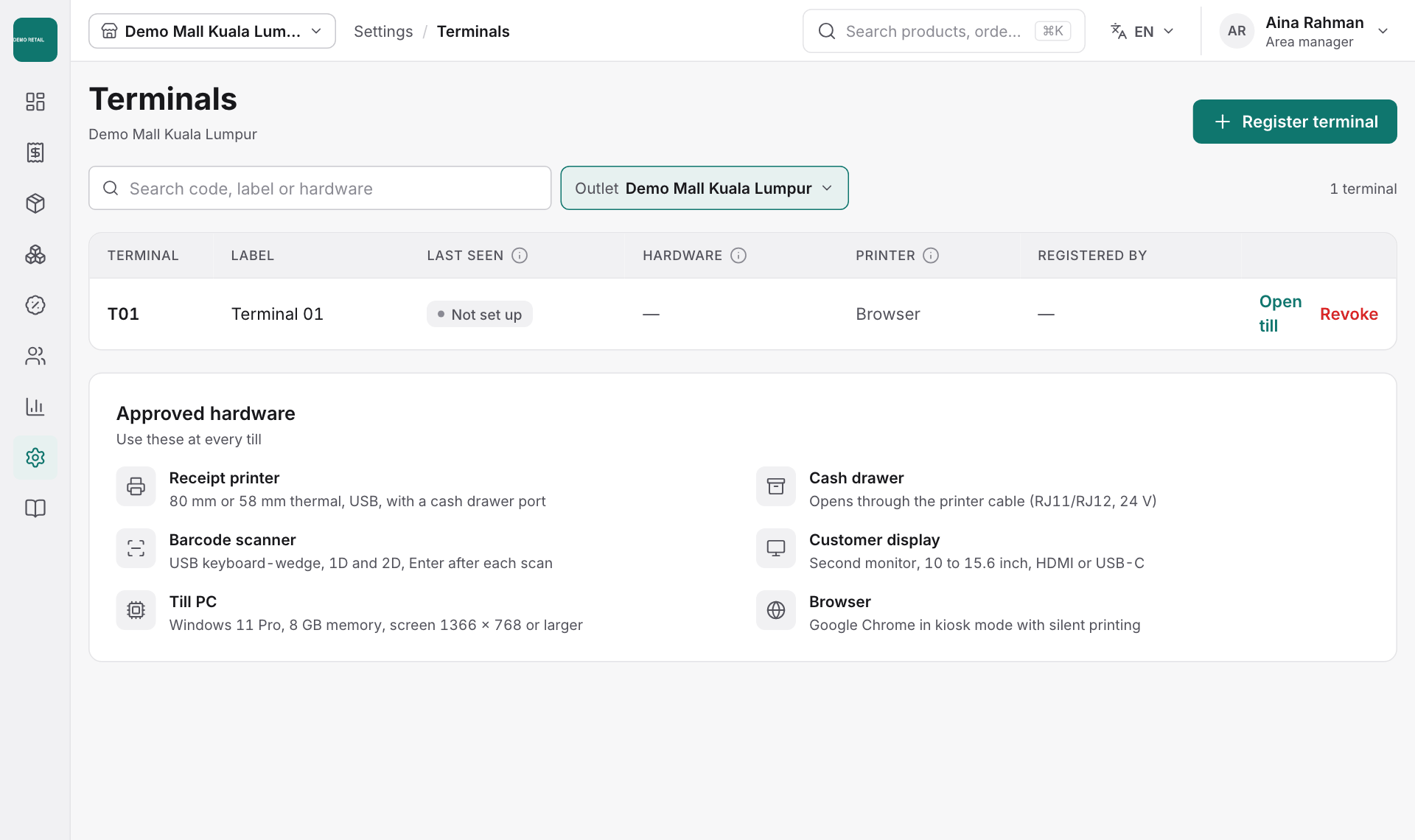
The Approved hardware list below shows the receipt printer, barcode scanner, till PC, cash drawer and customer display to use at every till.