Put cash in or take cash out
For: Beauty advisors, Store managers
Whole guide as PDF (2 MB)- Press the menu button (☰) at the top right of the till, then Drawer.
- Choose Cash in or Cash out, type the Amount, choose a Reason and press Save.
- Expected cash on the right shows how much should be in the drawer right now.
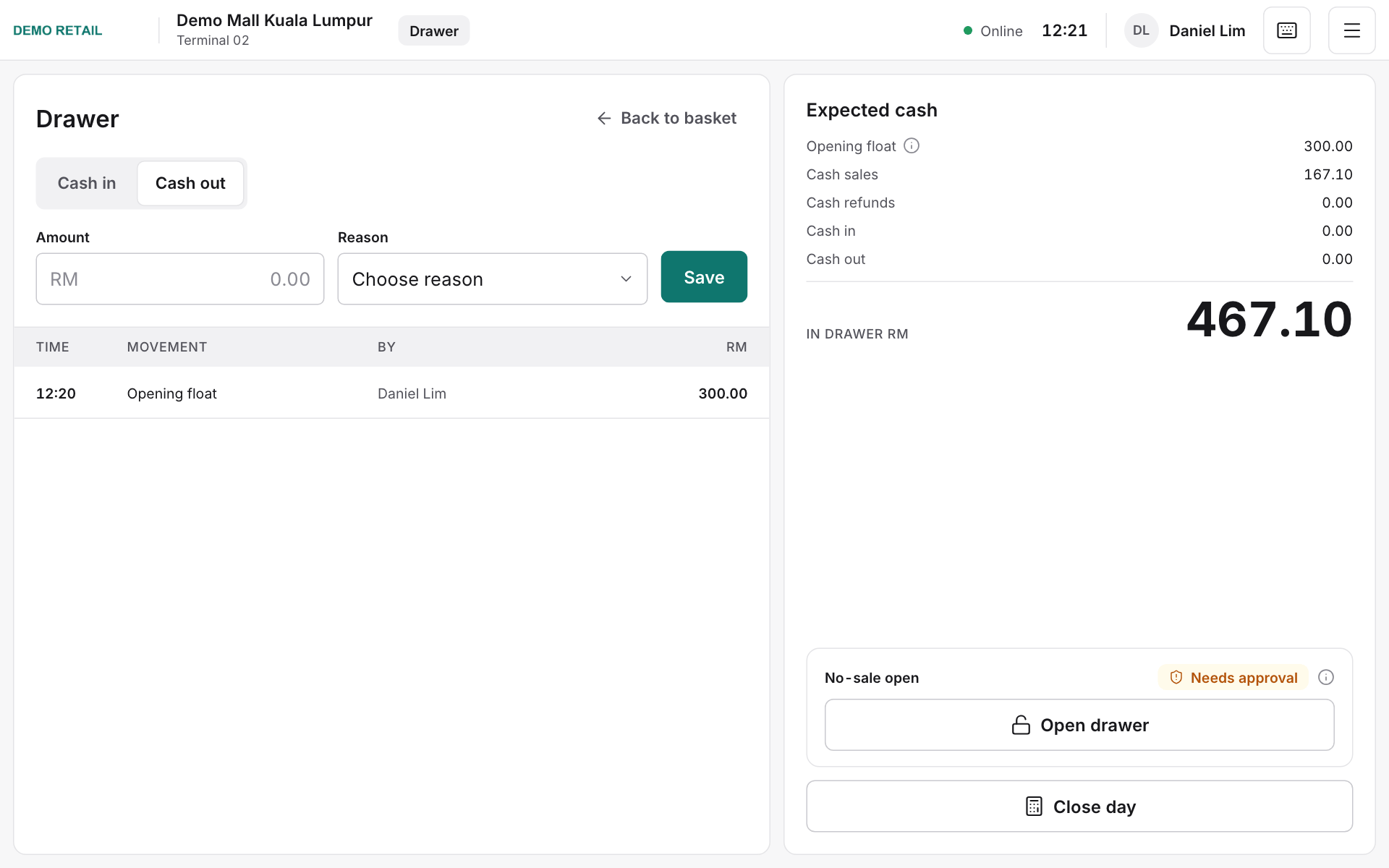
Opening the drawer without a sale (No-sale open) needs a manager's approval.