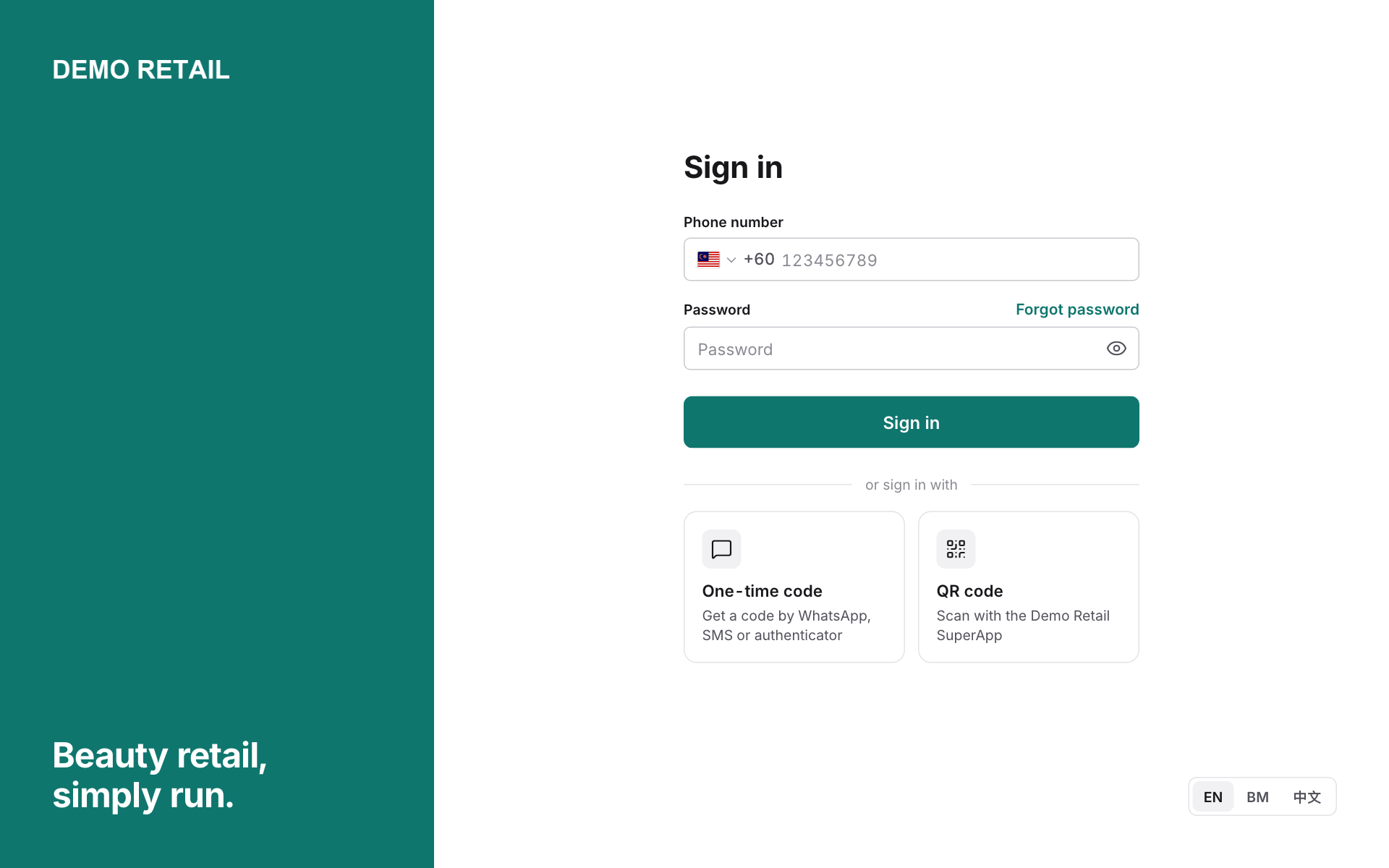
Sign in and choose your outlet
For: Everyone
Whole guide as PDF (2 MB)- Open the POS in your web browser.
- Type your Phone number and Password, then press Sign in.
- No password? Press One-time code to get a code by WhatsApp, SMS or an authenticator app, or QR code to sign in with your phone.
- To change the language, press EN, BM or 中文.
The dashboard
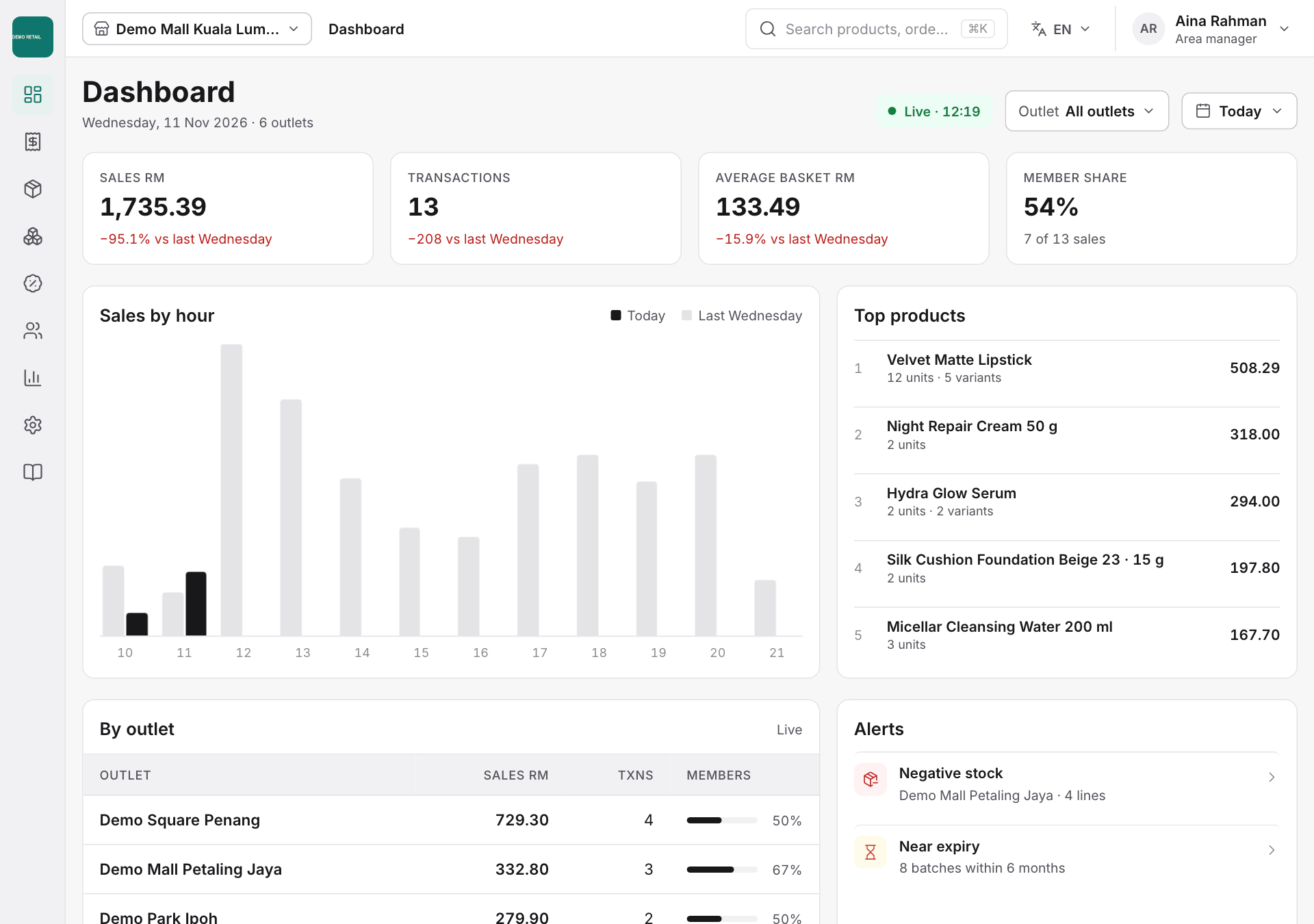
After signing in you land on the Dashboard.
- The four boxes at the top show today's sales, number of sales, average sale value, and the share of sales made to members.
- Below them: sales by hour, best-selling products, sales per outlet, and Alerts that need attention, such as stock below zero or stock close to expiry.
- Use Outlet and Today at the top right to look at another outlet or another day.
- To jump to any page or setting, press Ctrl+K (⌘K on a Mac) or click the search box at the top and type what you need.
Choose your outlet
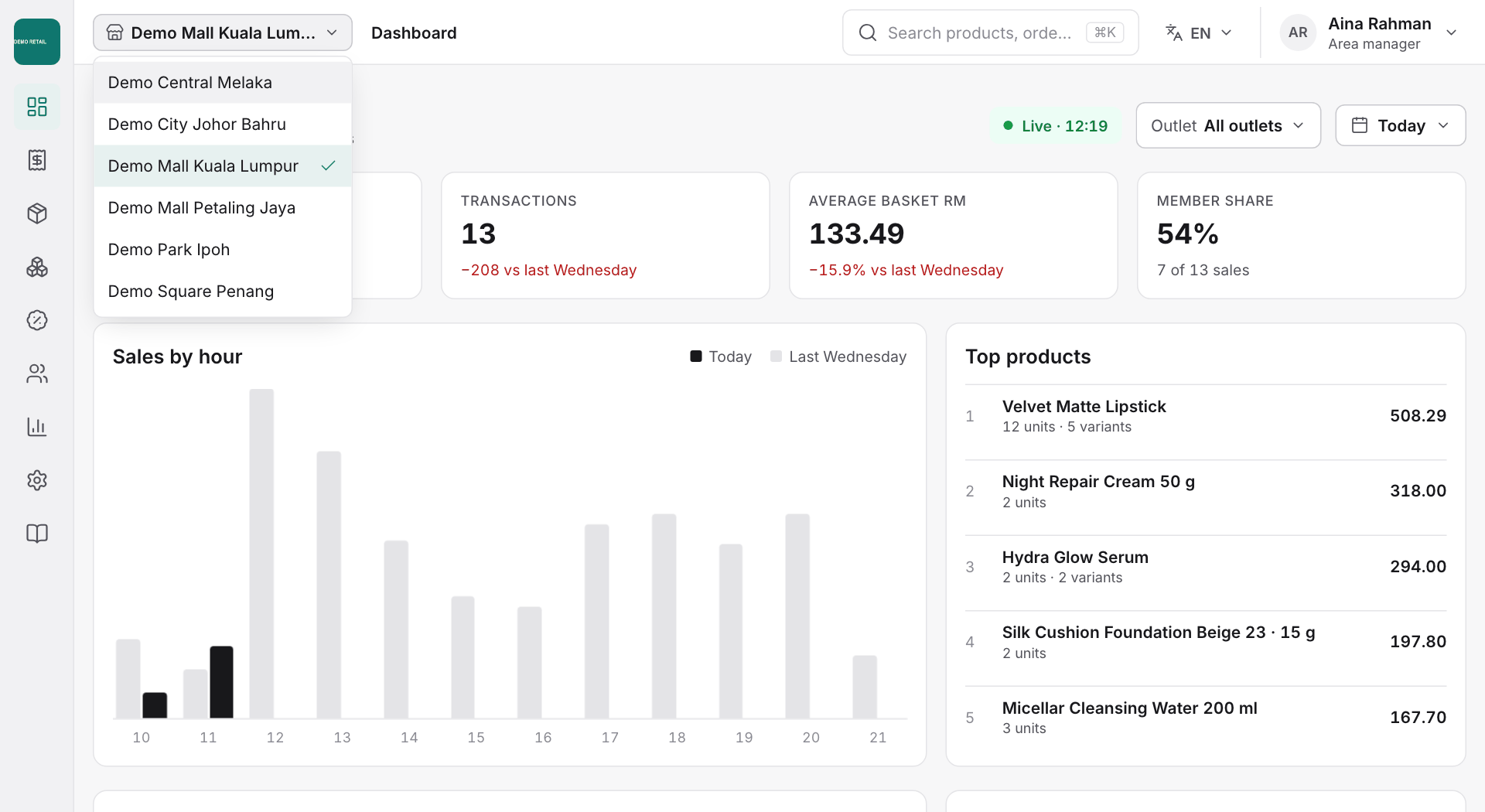
Stock, terminal and some report pages work on one outlet at a time. Click the outlet name at the top left and pick the outlet from the list.