Answer requests to read a procedure
For: Administrators
Whole guide as PDF (2 MB)When a staff member presses Request access on a locked procedure, it appears here.
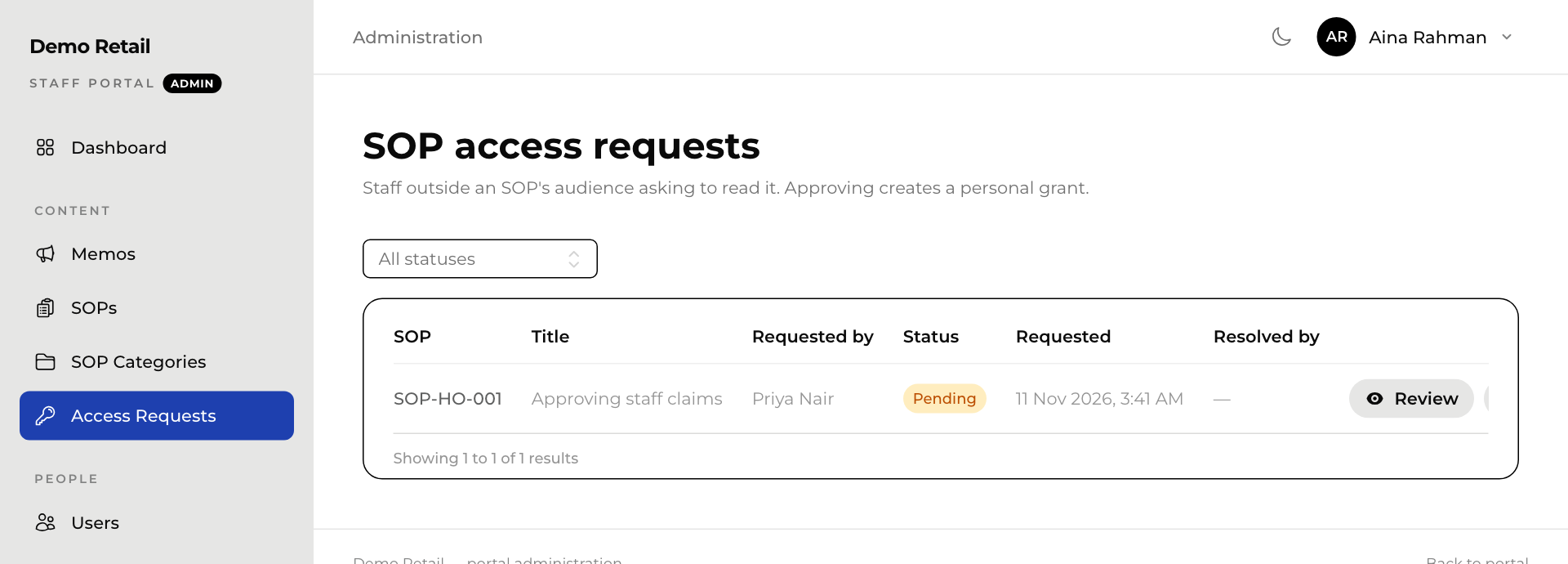
- In the admin area, press Access Requests.
- Press Review to look at the procedure first, if needed.
- Press Approve to let that person read it, or Deny to refuse.
The person gets an email with the answer if their account has an email address. Approving gives that one person access to that one procedure. Nobody else changes.
Use All statuses to see past requests.
Give access without a request
Open the procedure, go to the Access tab and press Grant access. Pick the person and press Grant access again. To take it back, press Revoke next to their name under Extra access grants.