Confirm you have read a memo
For: Staff
Whole guide as PDF (2 MB)Some memos ask you to confirm that you have read them. HR sees who has confirmed and who has not.
- Open the memo on the Memo Board.
- Read it to the end.
- Press I've read & understood in the box at the bottom.
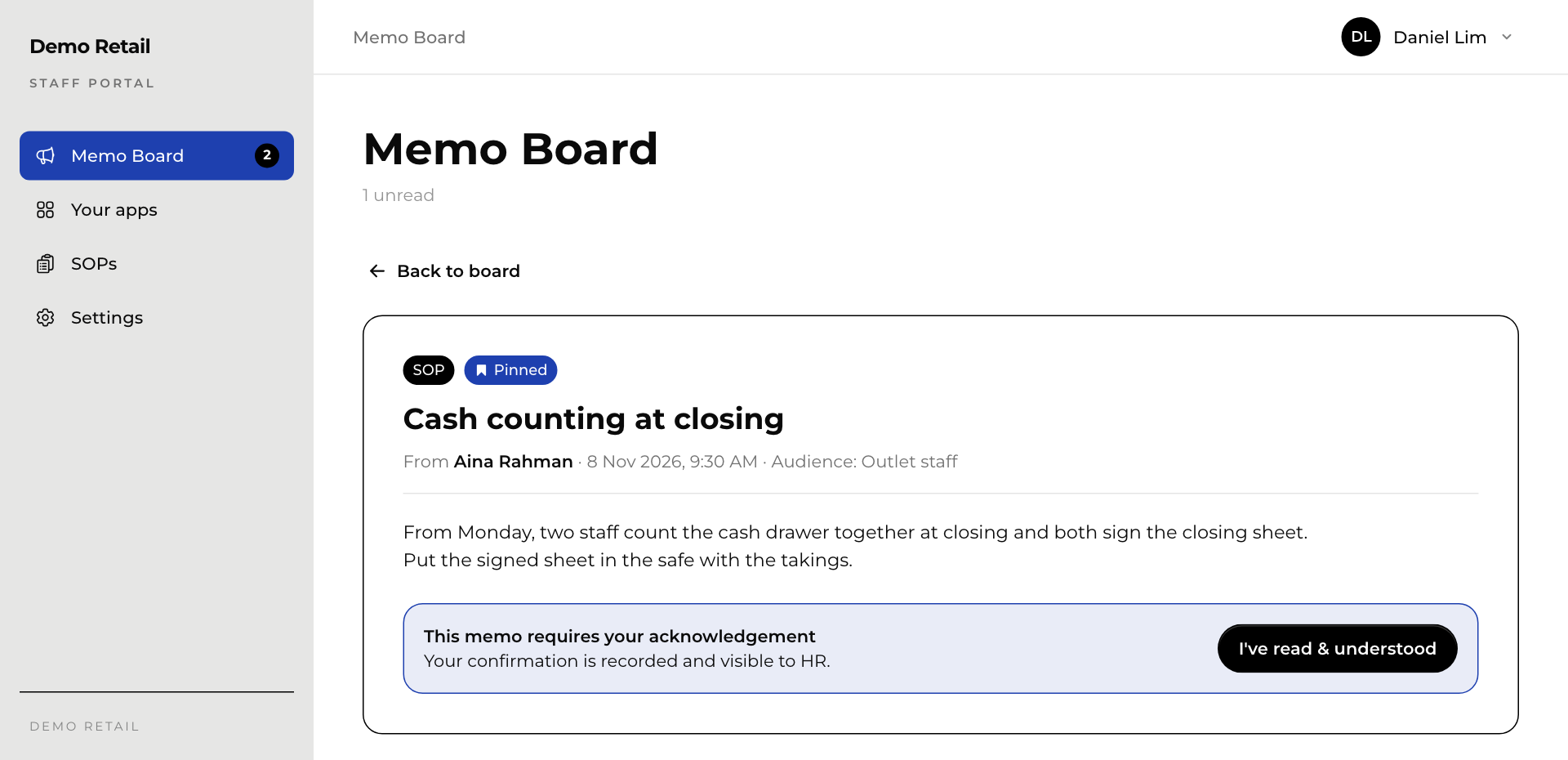
The box changes to Acknowledged with the date and time. You cannot undo it.
To find every memo still waiting for you, switch on Needs acknowledgement on the board.