Ask to read a locked procedure
For: Staff
Whole guide as PDF (2 MB)Everyone can see the title of every procedure. Only the group it is meant for can open it. If your work needs a locked one:
- Open it from the SOP Directory. You see its code, its title and who it is meant for.
- Press Request access.
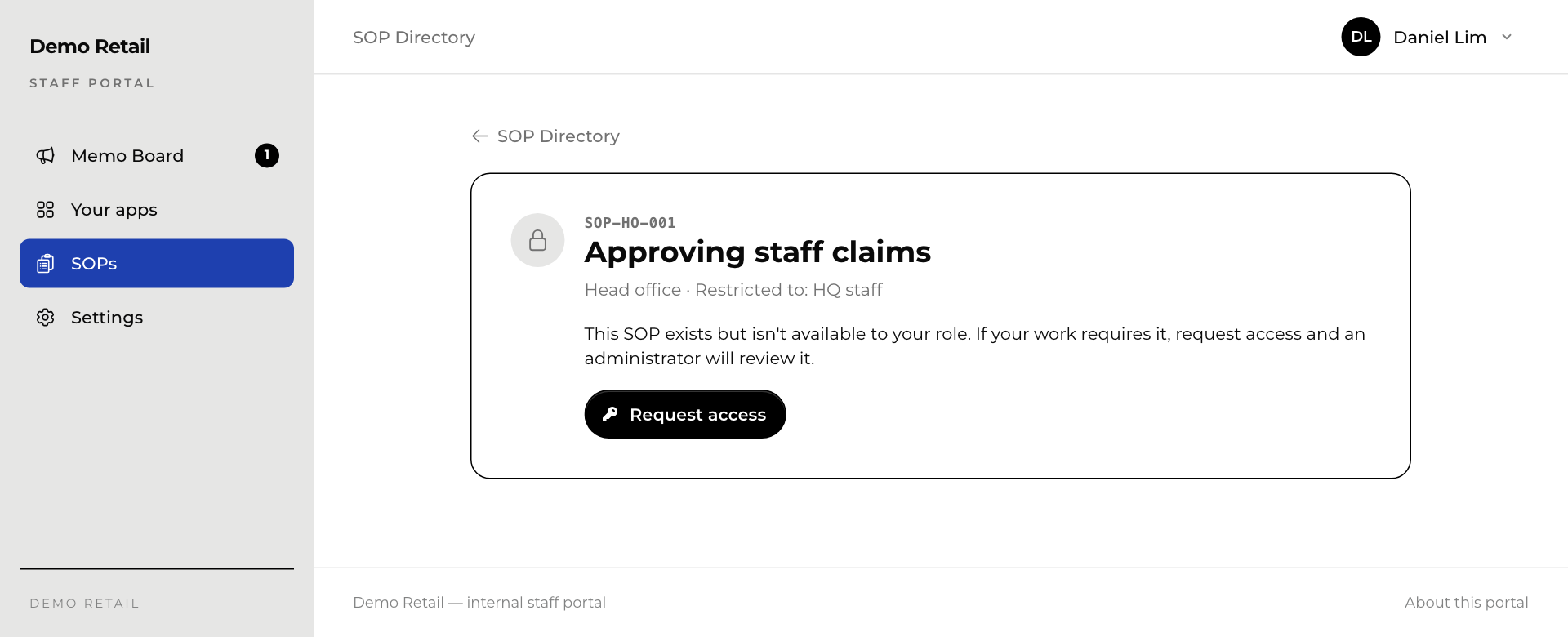
The button changes to Request pending. An administrator approves or refuses it, and you get an email with the answer if your account has an email address. Once approved, the procedure opens for you like any other.