Find a procedure
For: Staff
Whole guide as PDF (2 MB)- Press SOPs in the menu on the left. The SOP Directory opens.
- Type a code, title or word from the text into Search by code, title or content…, or press a category button such as Retail operations. Press All to see every category again.
- Press a procedure to open it.
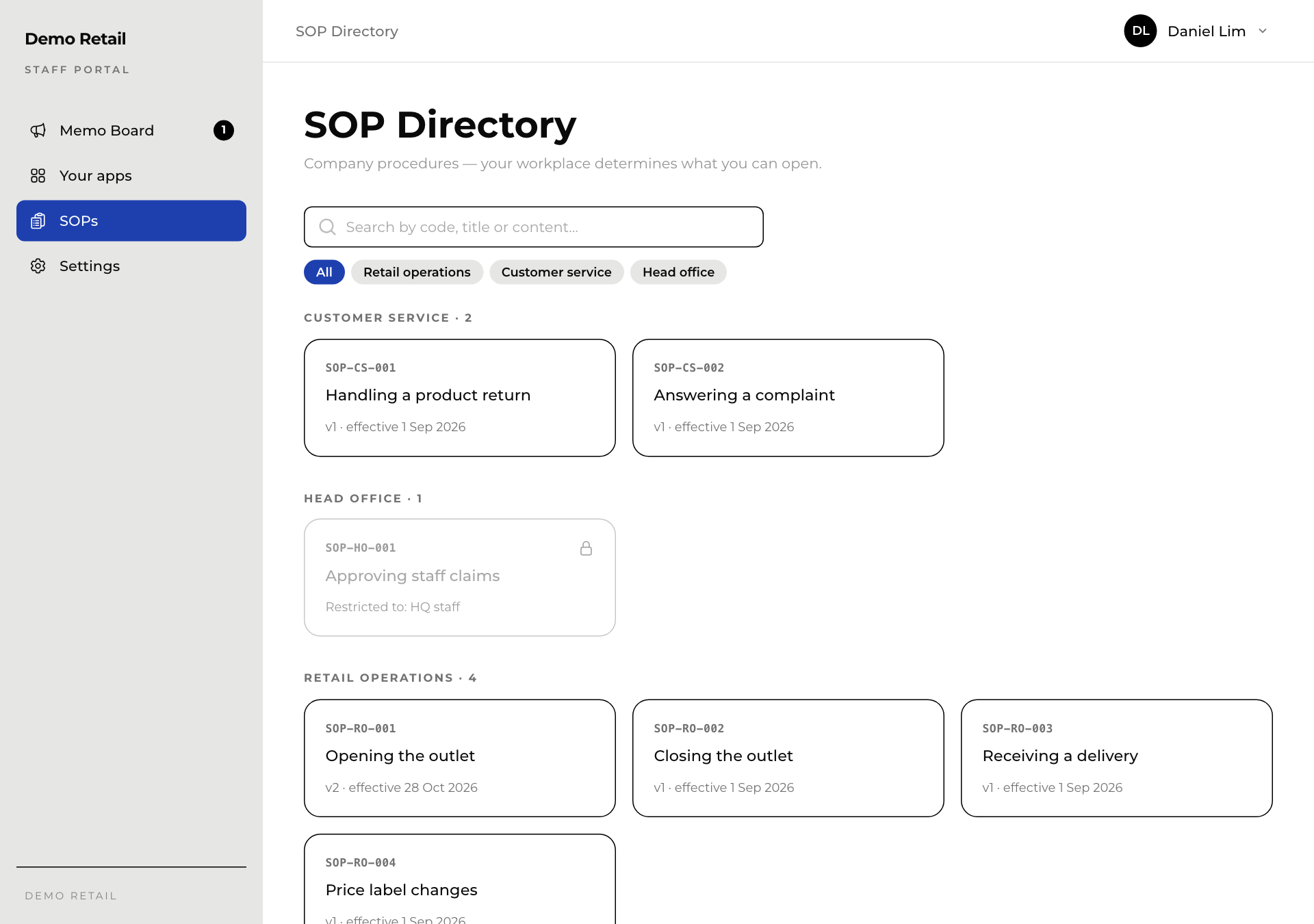
Each card shows the code (for example SOP-RO-001), the title, the version (v2) and the date it took effect.
A lock and Restricted to: … means the procedure is meant for another group, for example head office staff. See Ask to read a locked procedure.
Inside a procedure
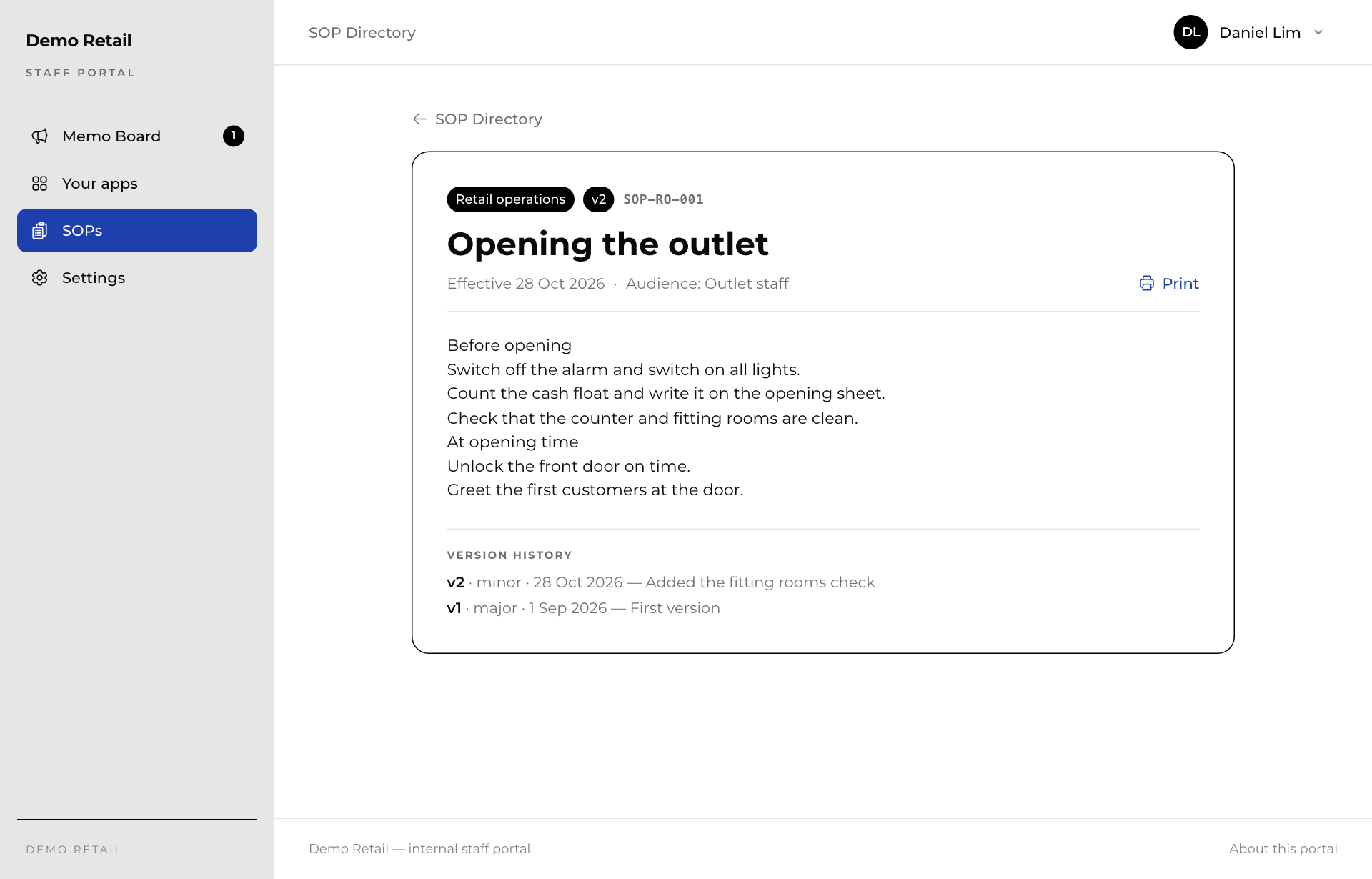
- The top shows the category, the version, the code, the date it takes effect and who it is for.
- Press Print for a paper copy. If the procedure is a scanned document, the button is Open PDF instead.
- Version history at the bottom lists each version and what changed.