Sign in
For: Everyone
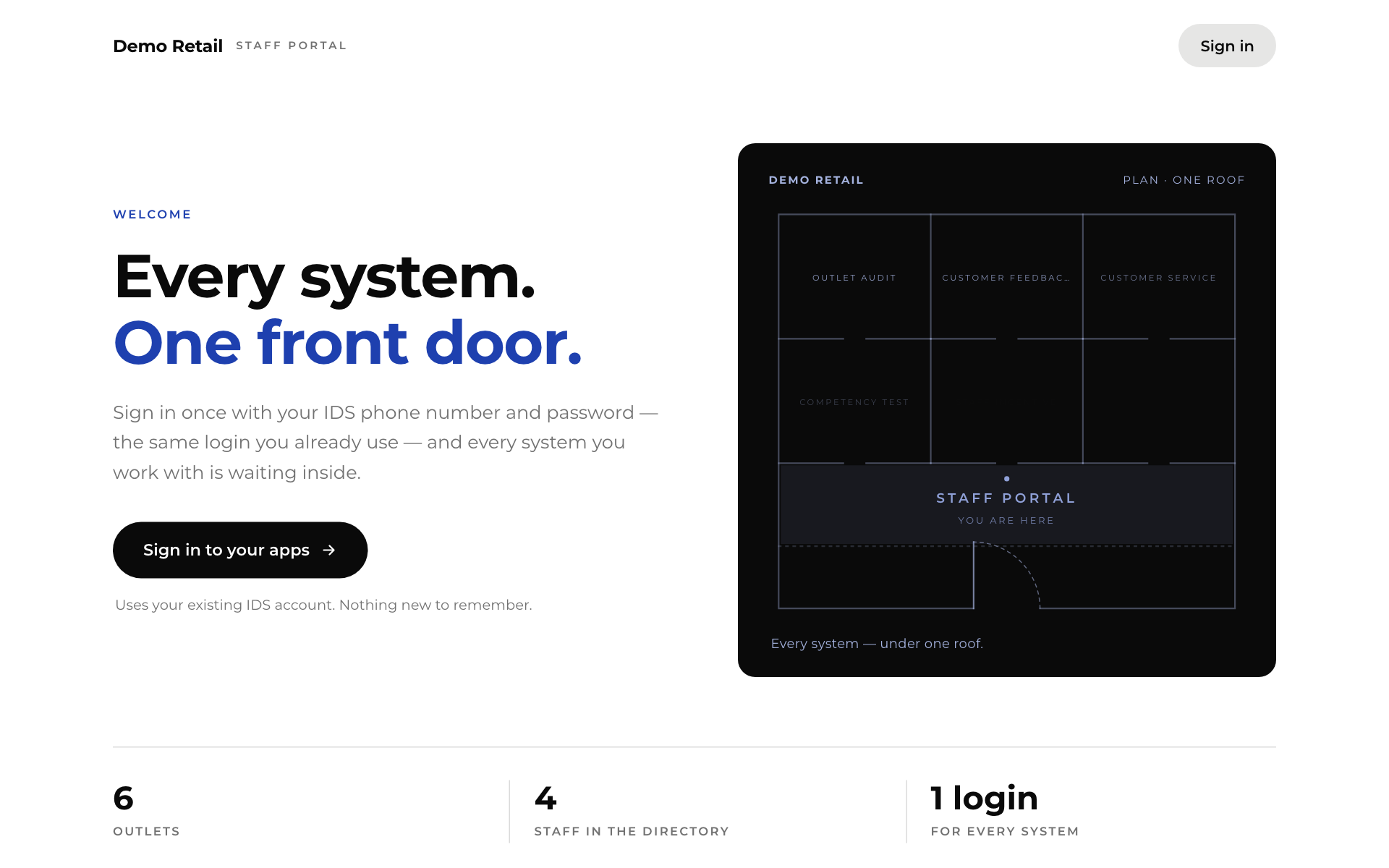
Whole guide as PDF (2 MB)- Open your company's portal address. The front page shows your company name and how many outlets and staff are in the directory.
- Press Sign in to your apps (or Sign in at the top right).
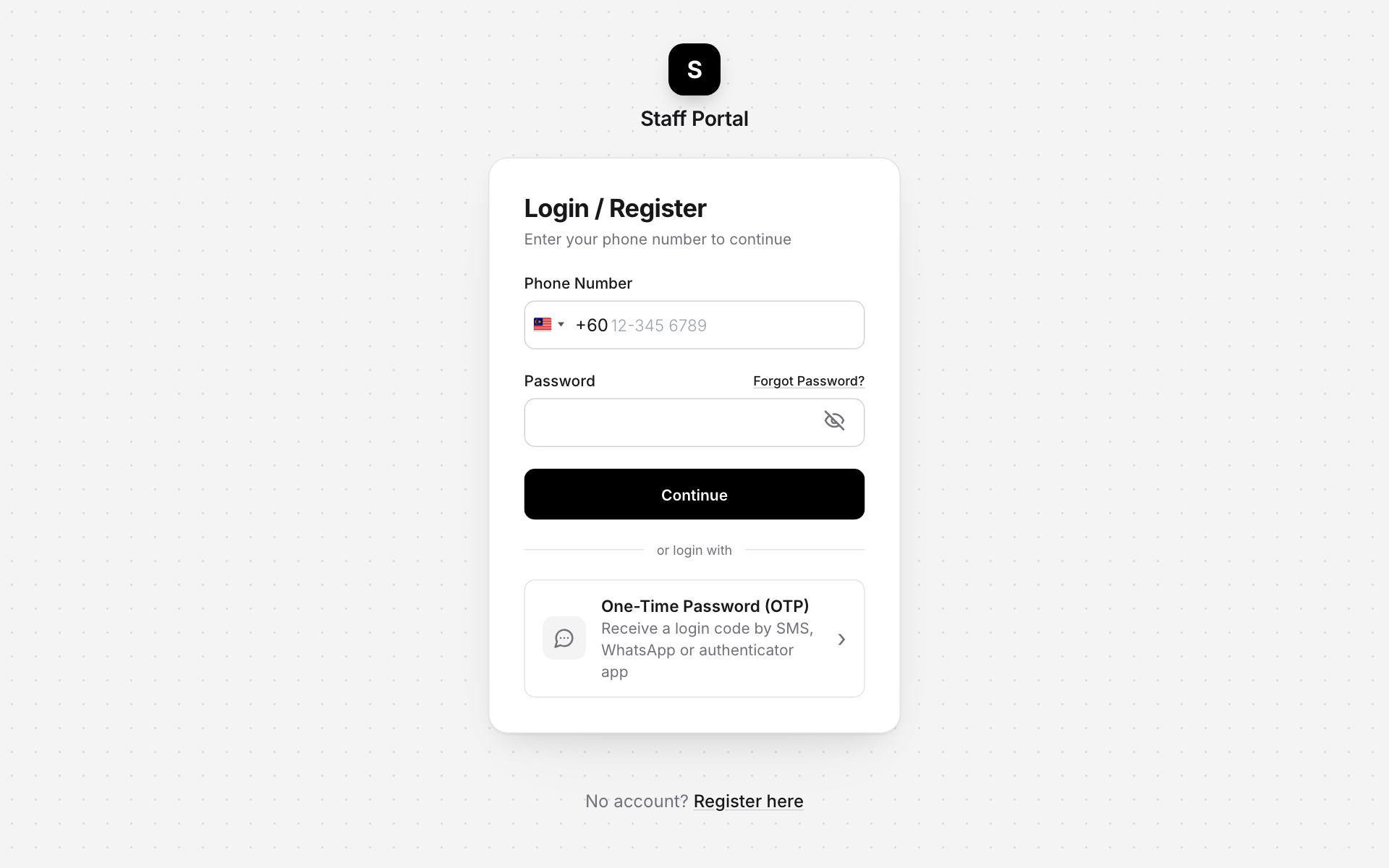
- Enter your Phone Number. The country code (+60 for Malaysia) is already filled in. Change it with the flag if you need to.
- Enter your Password and press Continue.
No password, or forgot it?
- Under or login with, choose One-Time Password (OTP) to get a sign-in code by SMS, WhatsApp or an authenticator app.
- Press Forgot Password? above the password box to set a new one.
It is the same phone number and password for every app on Home.
No account? Ask HR or IT to set one up. Use the phone number HR has on record for you, so the portal can match you to your outlet and department.
To sign out, press your name at the top right and choose Sign out.