What it is for
For: Everyone
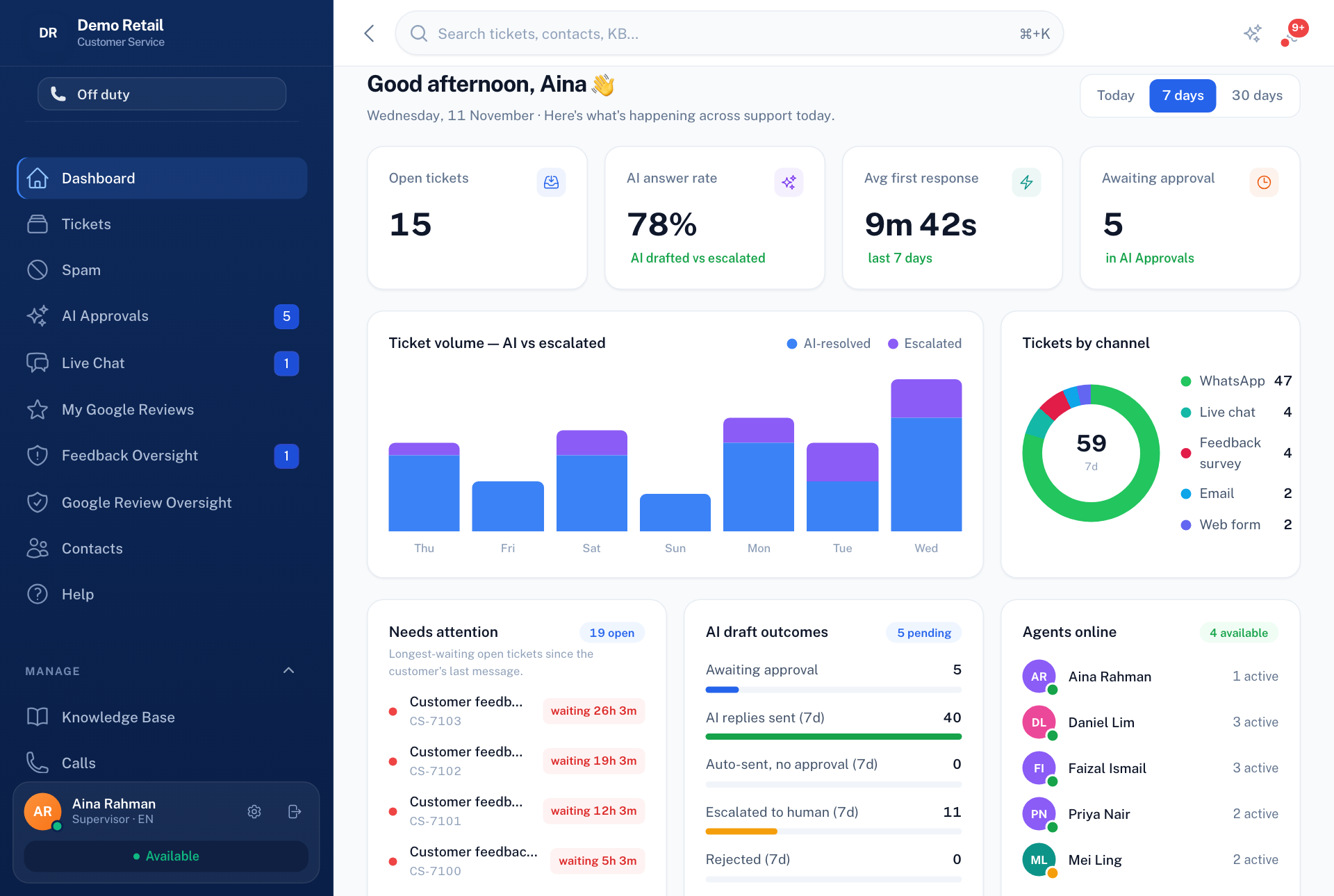
Whole guide as PDF (2 MB)Customer service collects every customer conversation in one place. Messages arrive from WhatsApp (messages and voice calls), email, the web form on your website and live chat. Each conversation becomes a ticket. An AI (a computer program that reads and writes text) drafts a reply from your company's approved help articles, and a person stays in charge of what reaches the customer. Unhappy customers from Customer feedback also arrive here, and are passed to the outlet to put right.
Who uses it
| Role | What they typically do |
|---|---|
| Agent | Answers the tickets given to them, takes live chats and calls, approves AI replies. |
| Supervisor | Everything an agent does, plus sees every ticket, moves work between people, reads reports, and watches feedback that is stuck. |
| CS Manager | Everything a supervisor does, plus help articles, automatic rules, ticket types and extra fields. |
| Admin | Everything, including settings, channels, people and roles. |
| Outlet Manager | Sees only My Feedback Tickets: unhappy customers at their outlet, and records what was done. |
| Area Manager | Checks what an outlet did and closes the ticket, or sends it back. |
An Admin can change what each role includes under Roles & permissions, so yours may differ. You only see the menu items your role allows.
What it needs from other modules
- Customer feedback sends unhappy survey customers here as tickets.
- Outlets, and who manages each one, come from your company's records in the Portal.
- Outlet audit receives audit requests from here, once the link between the two is switched on.