What customers see
For: Everyone
Whole guide as PDF (2 MB)Customers use these pages without an account.
-
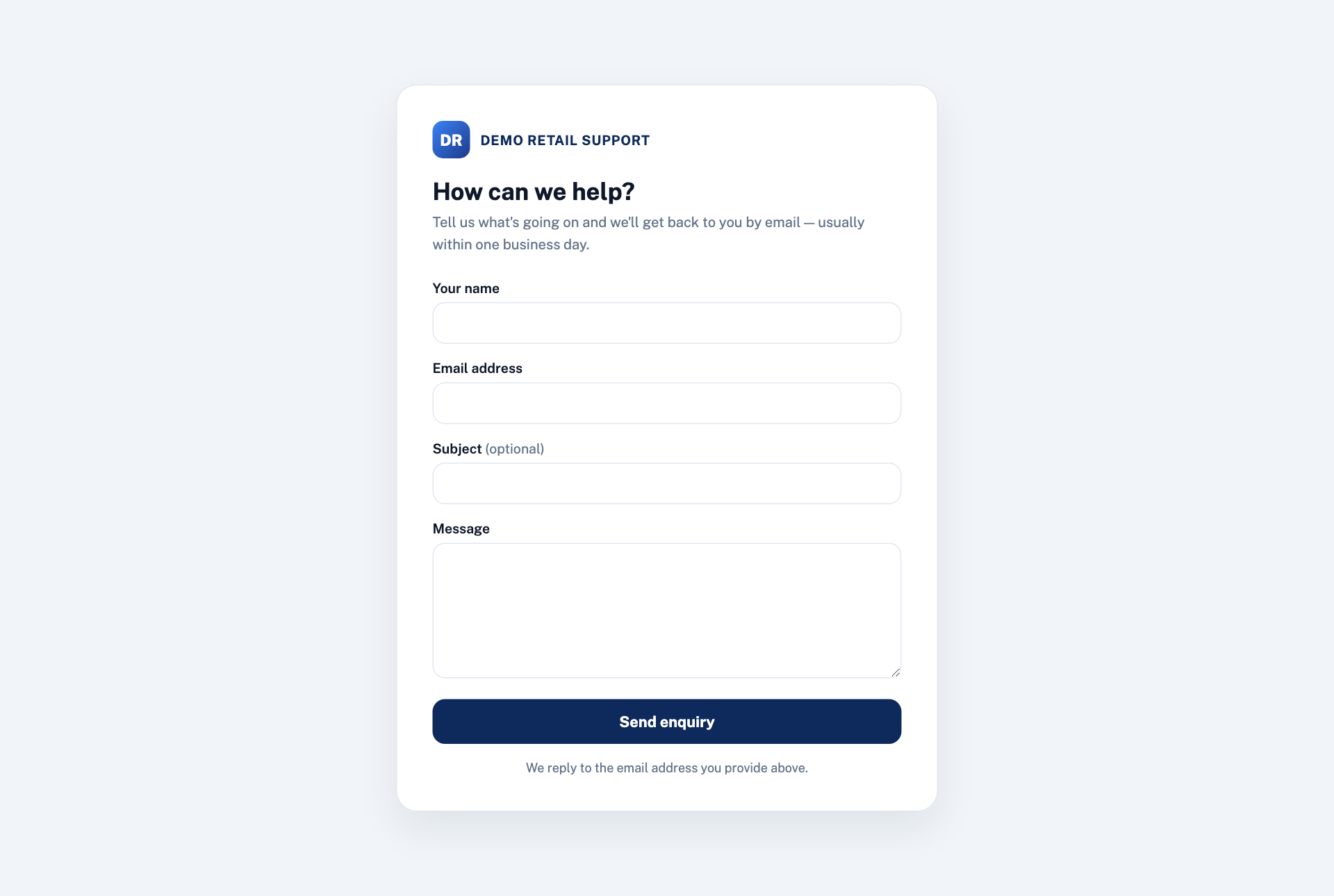
The support form. A customer types their name, email address, an optional subject and a message, and presses Send enquiry. It becomes a ticket, and replies go to them by email.
-
The help centre. Customers search the help articles or browse by topic. Only approved articles appear.
-
The chat bubble on your website. Visitors can chat with you, and sign in with a one-time code by SMS or WhatsApp to see and continue past chats on any device. A short check guards the first message against spam.
-
Out of hours, everyone gets one automatic message saying you are closed and when you open again, if that is switched on.