Answer WhatsApp calls
For: Agents
Whole guide as PDF (2 MB)When calling is switched on for a WhatsApp number, customers can call it and you answer in the browser. No desk phone is needed.
- Set the switch at the top of the menu to On duty, and allow the microphone when the browser asks.
- A call rings with a pop-up. Press Accept to talk, or Decline.
- Every call is saved to a ticket with its recording. After the call it is written out as text with a short AI summary. If the summary is missing, open the call in the ticket and press Create AI summary.
A missed call becomes a callback request. Open Calls, then Callbacks, take one, and call the customer back when you are free.
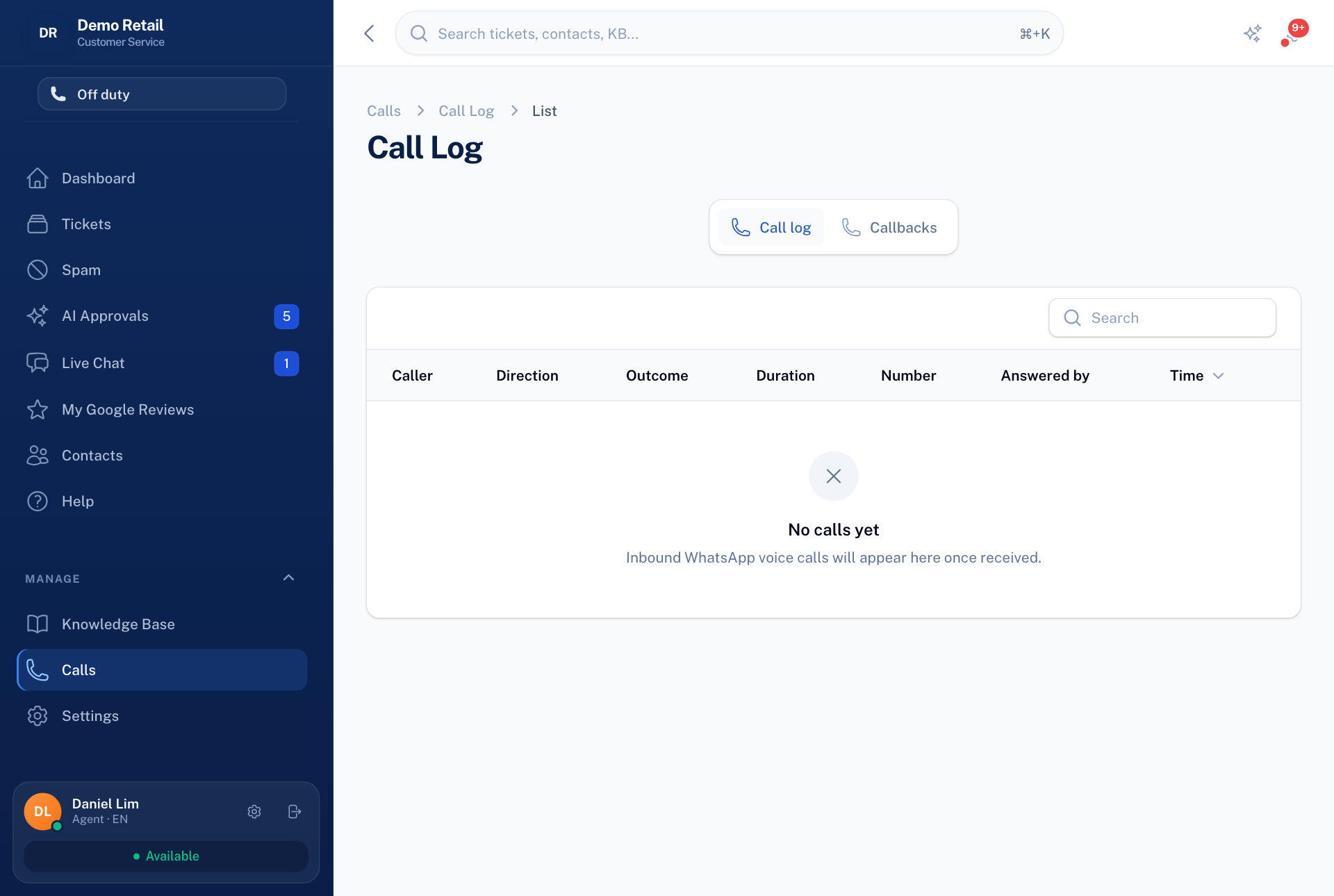
The picture was taken on a copy with no WhatsApp number connected, so no calls are listed.
If a call will not connect, check the microphone permission and that you are On duty. A strict office firewall can block calls; try another network.