Write help articles
For: CS Managers
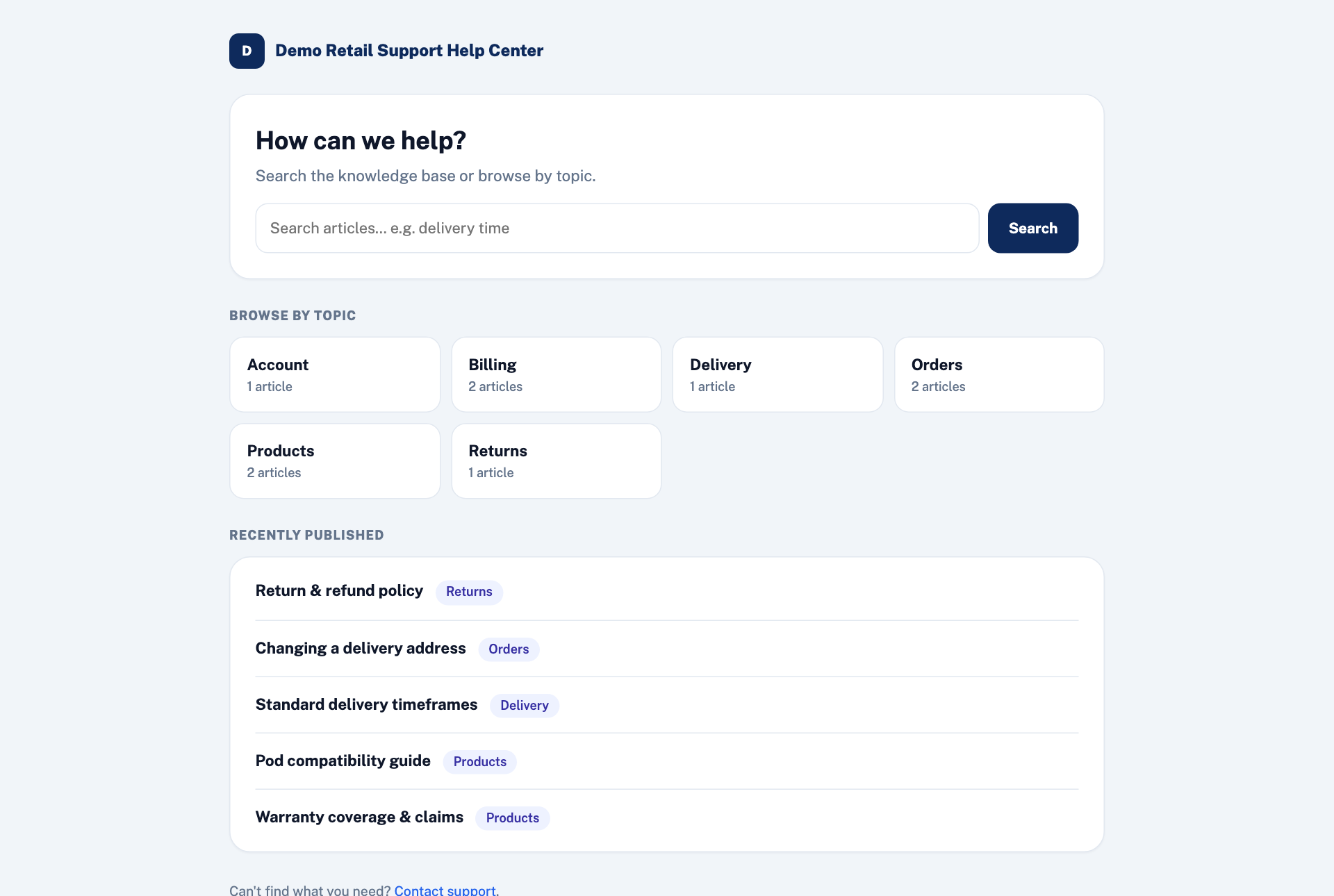
Whole guide as PDF (2 MB)Help articles are the only source the AI answers from. The same articles appear in the public help centre, where customers can find an answer before they write in. Better articles mean better AI replies and fewer tickets.
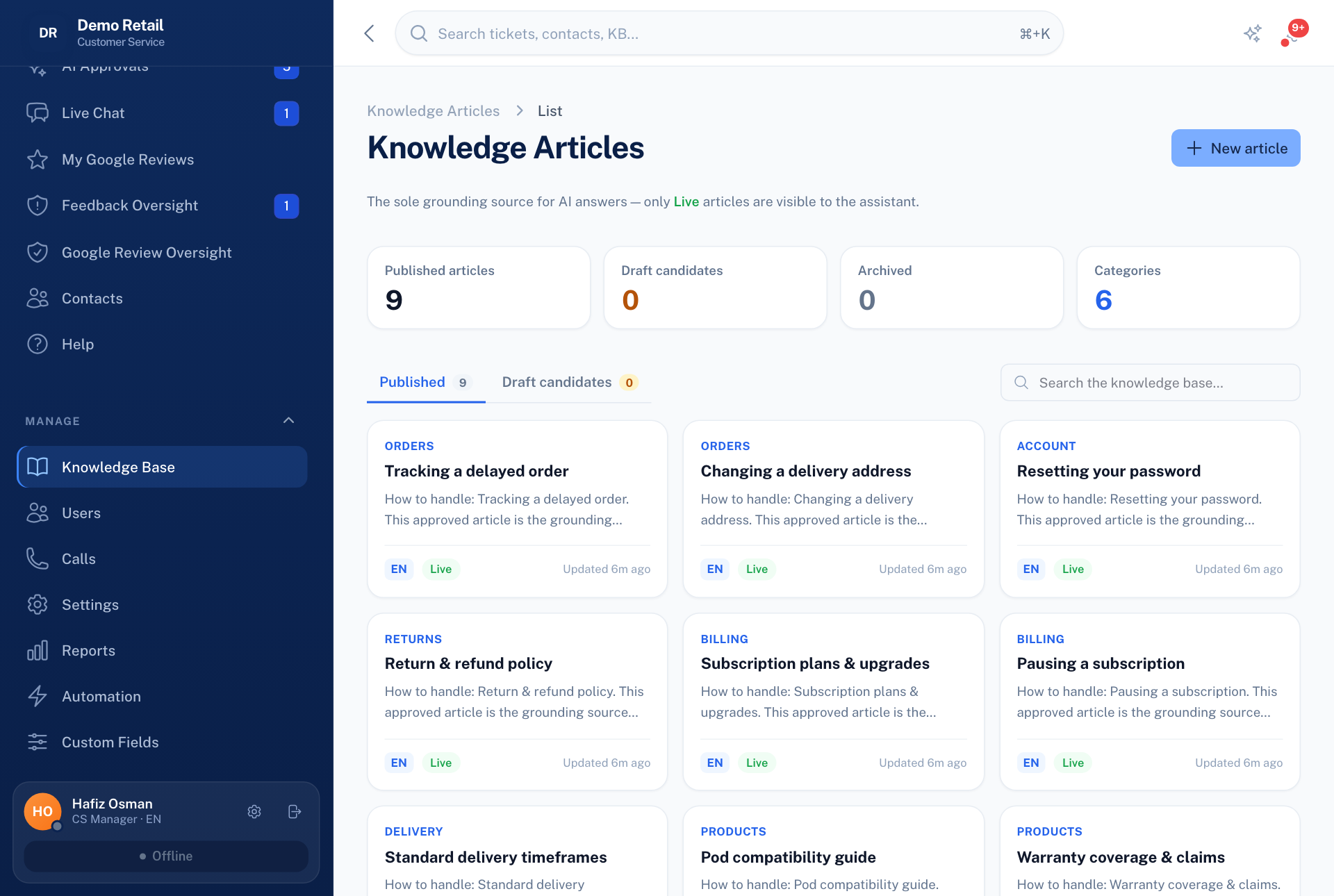
- Open Knowledge Base under Manage.
- Press New article, or open an existing one to change it.
- Fill in the Title, Category, Language and Body. Write it clearly.
- Set Status to Approved and press Create. Only approved articles are used by the AI and shown to customers. Draft articles are not.
Under Attachments, press Add document to attach a PDF, Word, Excel or CSV file, such as a price list or a policy. Its text is read out of the file and added to the article, so you do not need to retype it.
Reports has a Knowledge gaps panel: questions the AI could not answer. Each one is a candidate for a new article.