Keep customer details right
For: Agents
Whole guide as PDF (2 MB)Each customer has one record, even if they have written from WhatsApp, email and chat. Correct details keep their conversations together.
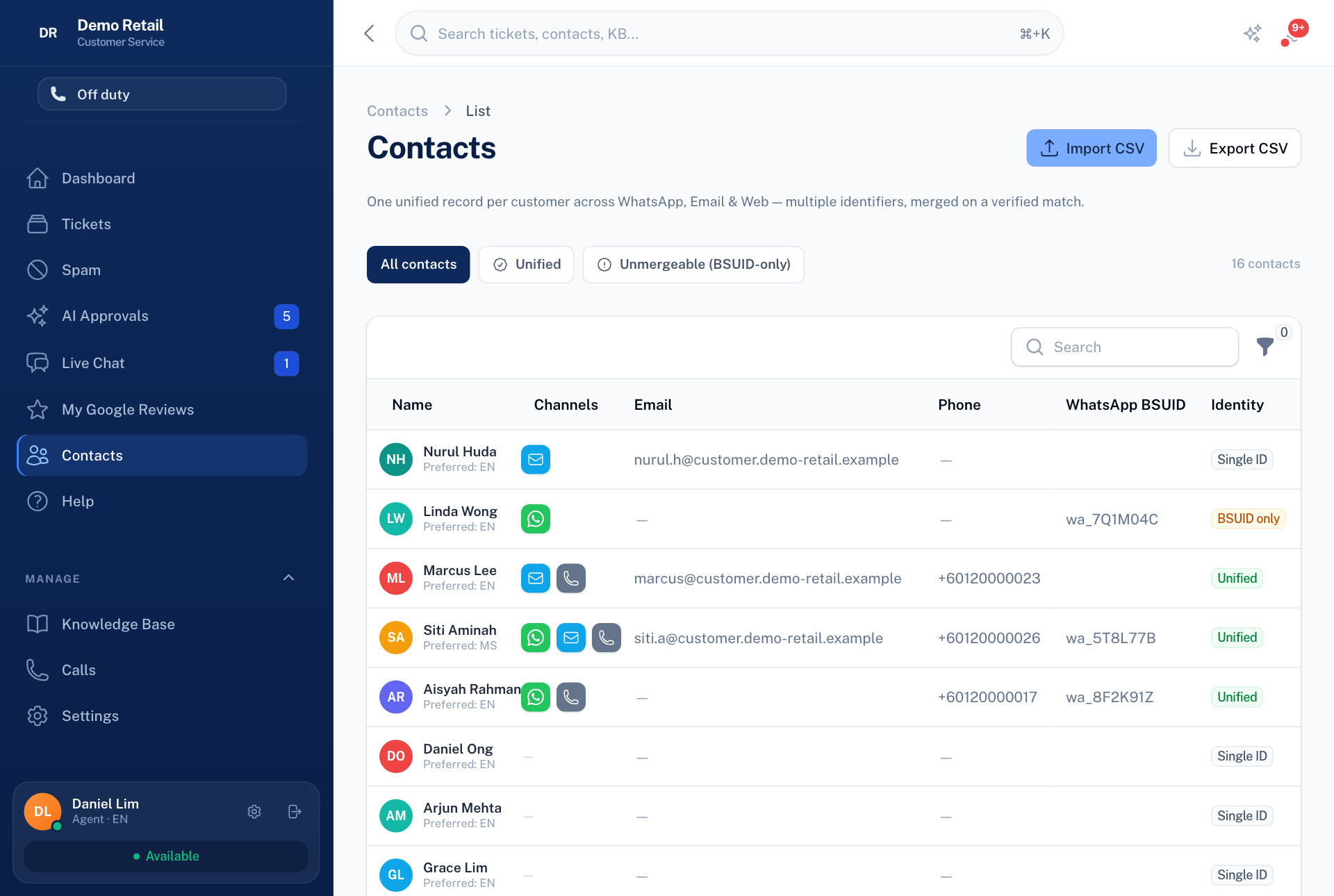
- Open Contacts in the menu on the left.
- Press a customer to see and change their name, phone, email and history.
- To bring in a list of customers, press Import CSV. To take the list out as a spreadsheet, press Export CSV.
New customers are added by themselves when they first write in, or with Add New when you open a ticket yourself.
Changing a contact's details needs a permission some roles do not have.