Open a ticket yourself
For: Agents
Whole guide as PDF (2 MB)Most tickets open by themselves when a customer writes in. When a request reaches you another way, such as a phone call or a walk-in, open one yourself.
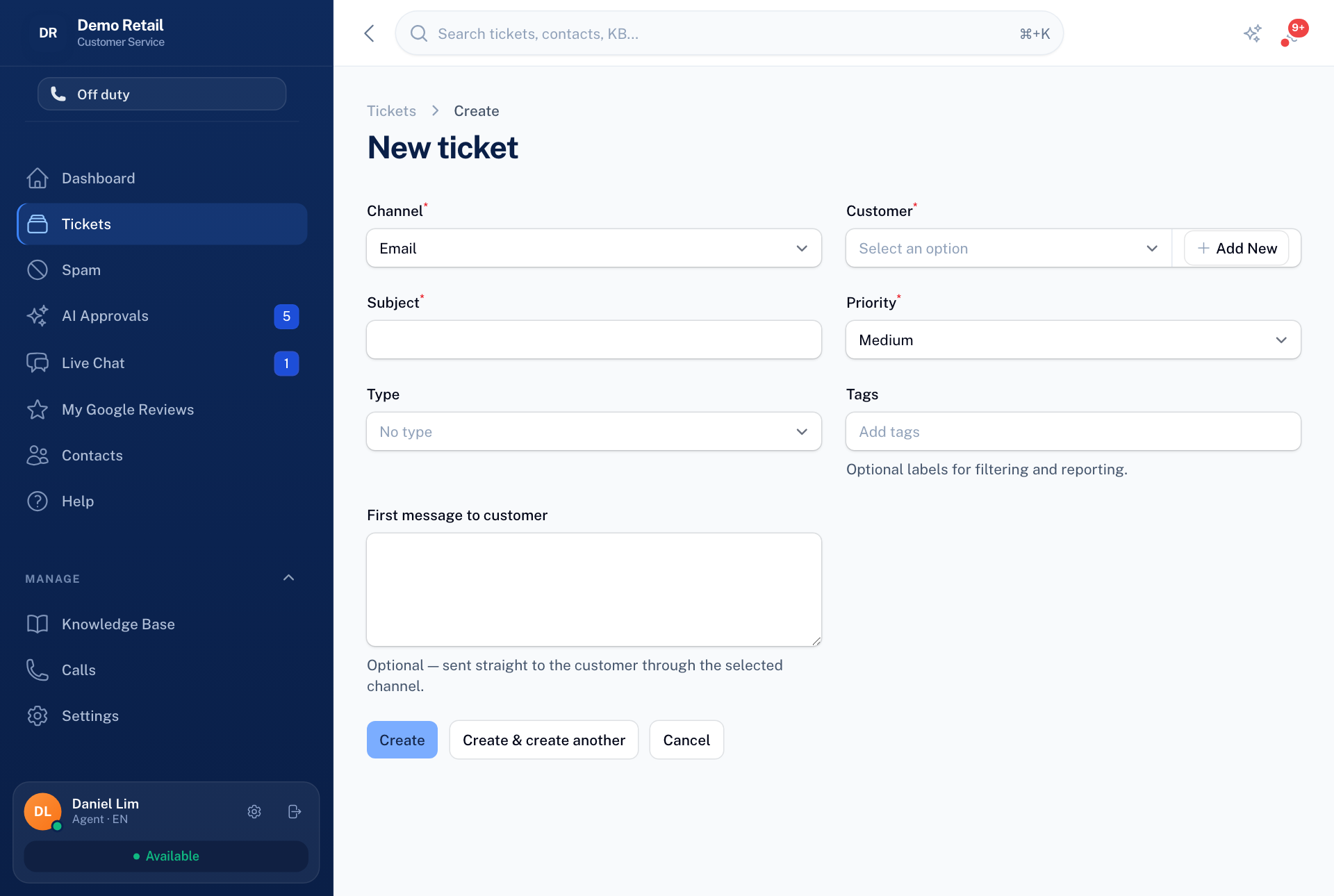
- Open Tickets and press New ticket.
- Choose the Channel the customer wants replies on: Email or WhatsApp.
- Choose the Customer, or press Add New to add them here.
- Fill in the Subject and Priority, and if you like the Type and Tags.
- To send the customer a first message now, write it under First message to customer. Leave it empty to open the ticket without contacting them.
- Press Create.
A ticket you open yourself always starts a new conversation. It never joins an existing one.