Take live chats
For: Agents
Whole guide as PDF (2 MB)Live chat is the chat bubble on your company's website.
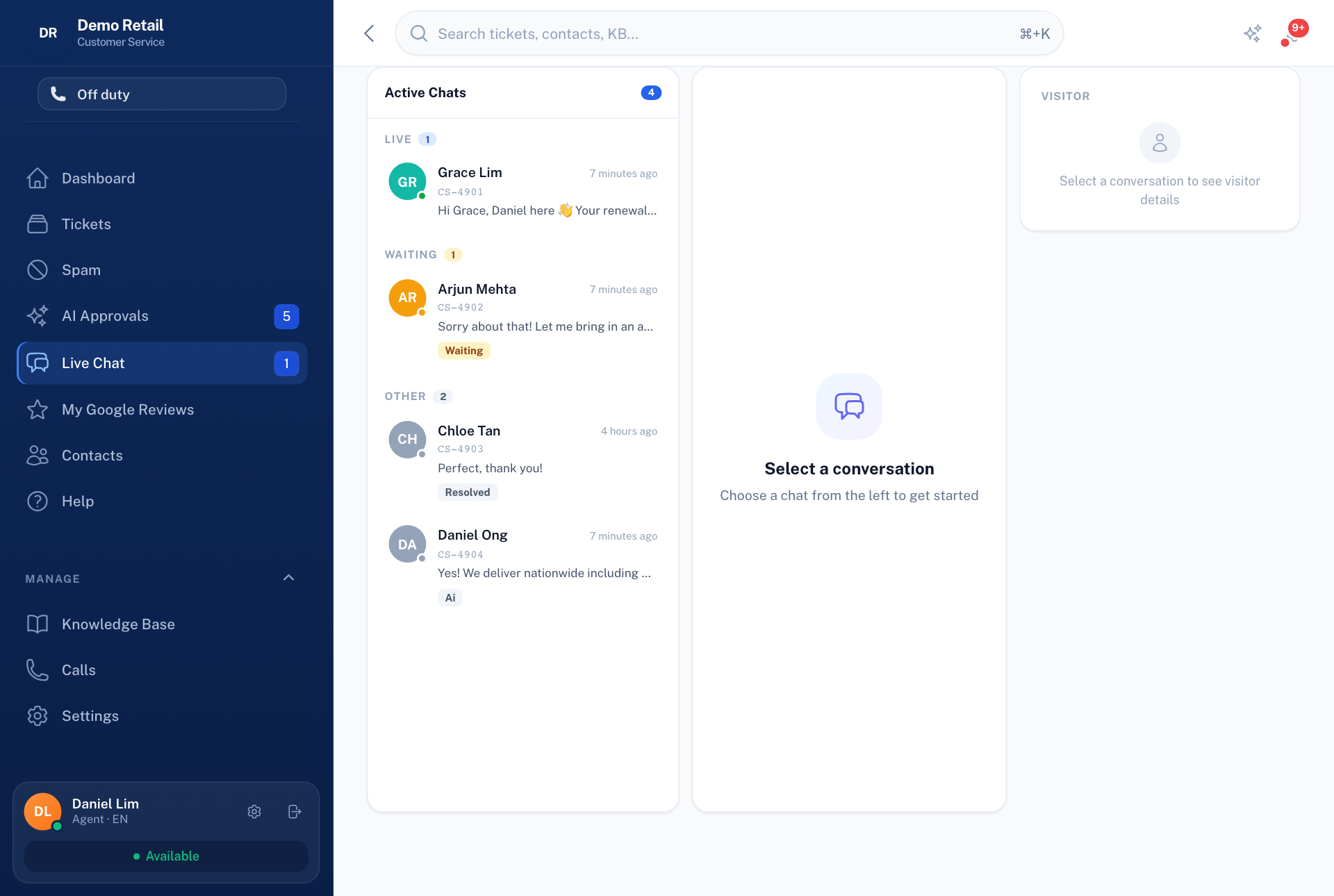
- Open Live Chat in the menu on the left. The number next to it is how many chats are waiting.
- Chats are grouped into Live, Waiting and the rest. Press a waiting chat to take it.
- Reply. The visitor sees your message straight away.
- When you are done, resolve the chat so it leaves the list.
If chats stop updating by themselves, the live-update service has stopped. Tell whoever runs the system.