Add staff
For: Administrators
Whole guide as PDF (3 MB)Staff accounts are added by an administrator. Each person holds one role, and the role decides both what they can open and where they can approve.
- Open Users & Roles and press New user.
- Type the person's Phone and pick the Role.
- Press Create user.
Staff sign in with their phone number. Their name and email are filled in from the company sign-in the first time they sign in.
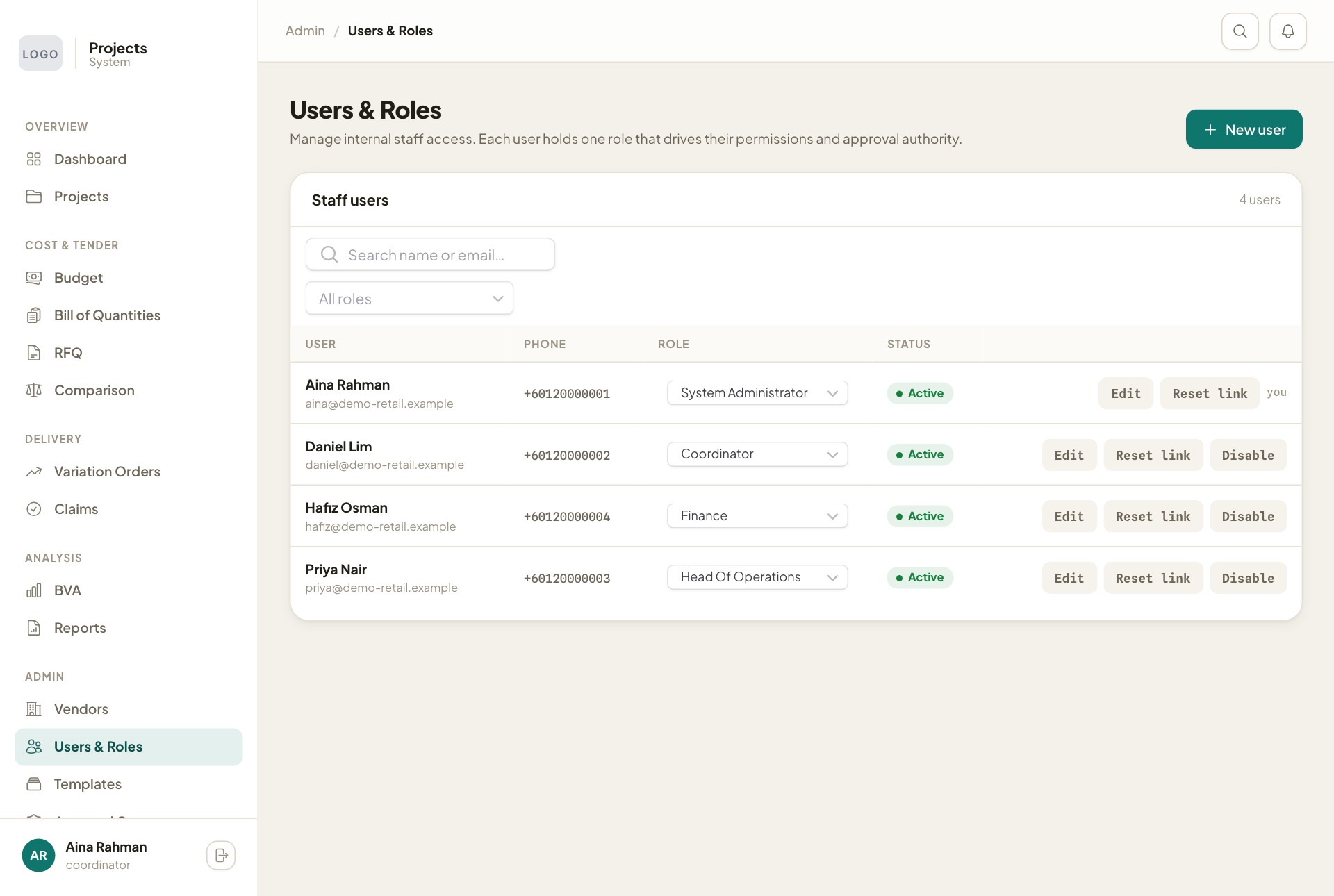
On each row:
- Change the Role straight from the list.
- Edit changes the person's details.
- Reset link sends a new sign-in link.
- Disable stops the person signing in. Your own row says you instead; you cannot disable yourself.
Every change made in the module is recorded on the Audit Log page: who did it, when, and the values before and after. It is not in the menu; open it by adding /audit to the module's web address.