Ask vendors for quotes
For: Coordinators
Whole guide as PDF (3 MB)An RFQ (request for quotation) sends the bill of quantities to the vendors you choose.
- Open RFQ and press Create RFQ, or press Issue RFQ on the bill of quantities.
- Pick the Bill of Quantities and the Submission Deadline.
- Tick the vendors to invite under Vendors to Invite. Only approved vendors are listed.
- Press Issue RFQ.
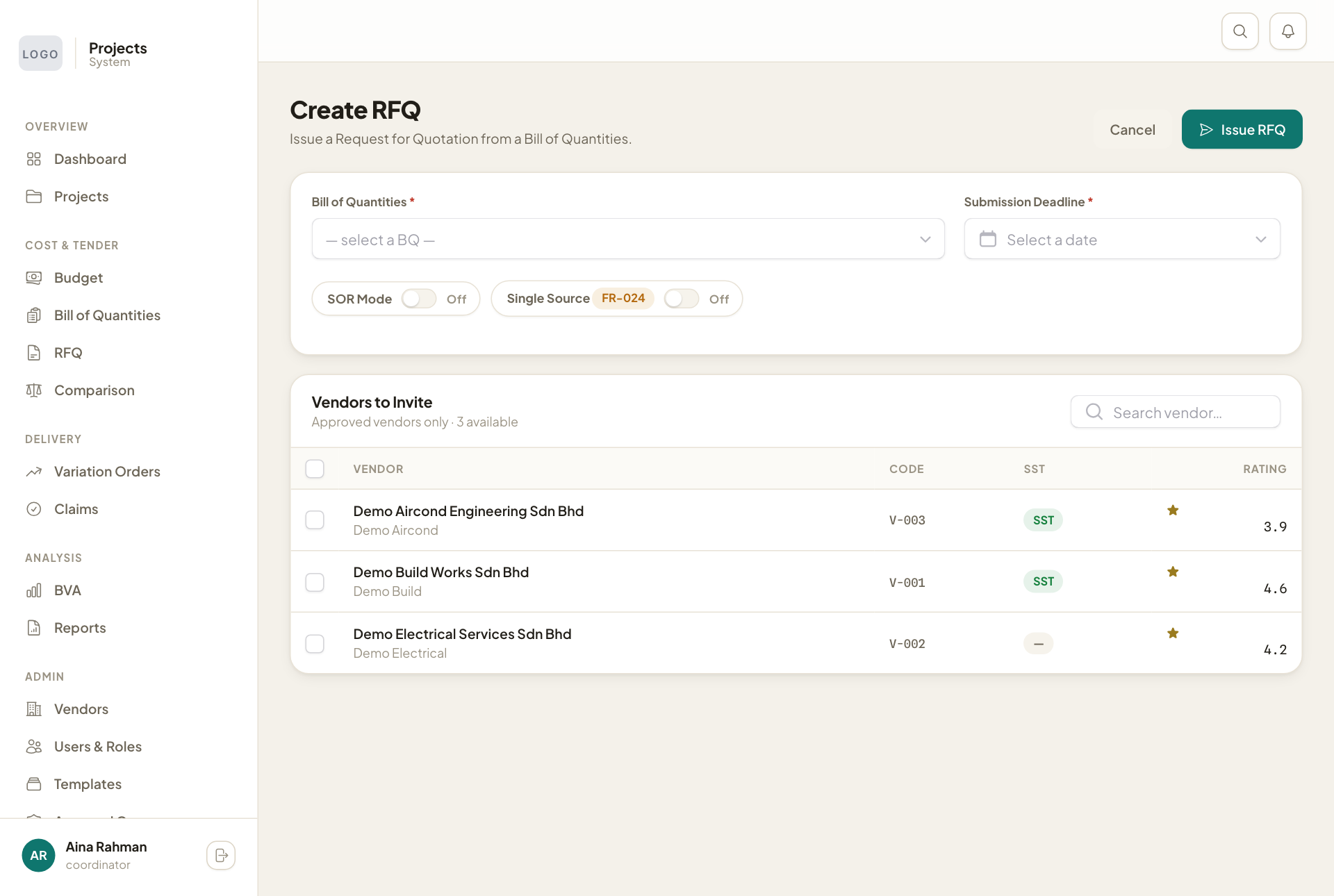
Single Source is for work only one vendor can do. Switch it on when you invite a single vendor on purpose.
The invited vendors see the request on their own screens and price it there. The RFQ page lists every open request with its deadline and number of vendors.
A vendor who cannot use the screens
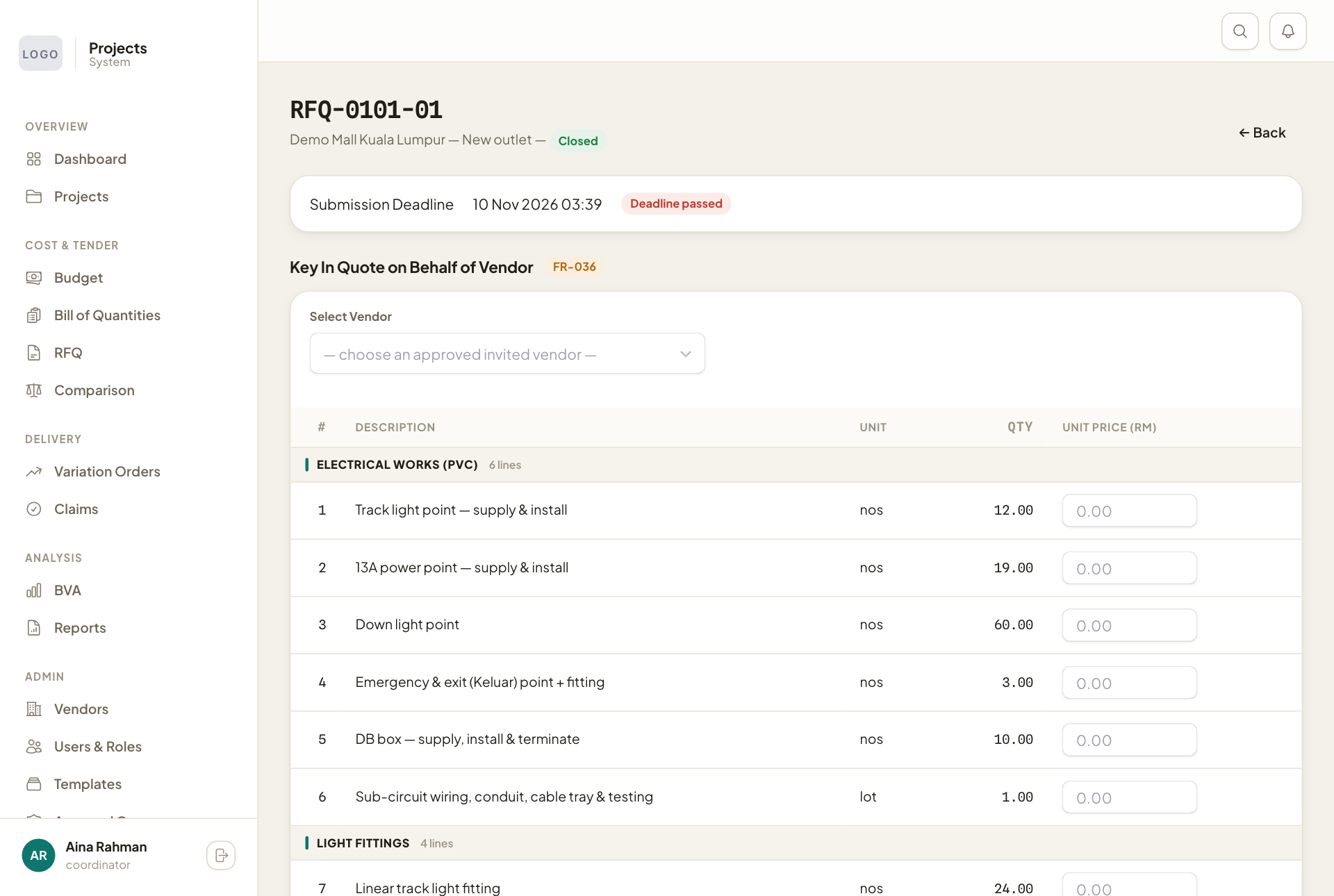
If a vendor sends the quote on paper or by email, open the RFQ and use Key In Quote on Behalf of Vendor: pick the vendor, type the prices and press Submit Staff-Keyed Quote. The bottom of the page shows each invited vendor and whether they have sent their quote.