Compare quotes and award the work
For: Coordinators and project managers
Whole guide as PDF (3 MB)- Open Comparison. Requests with at least one quote are listed. Press Compare.
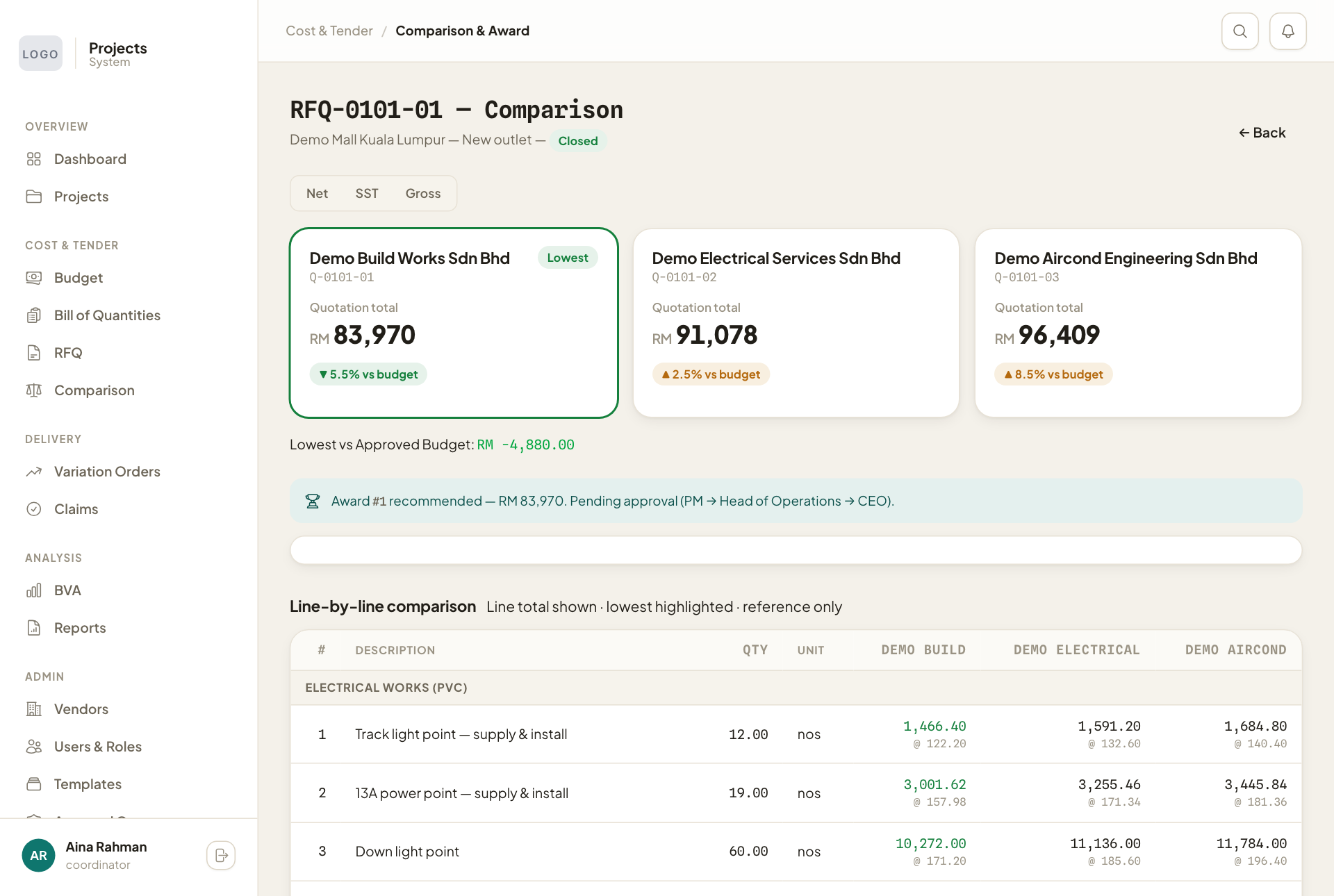
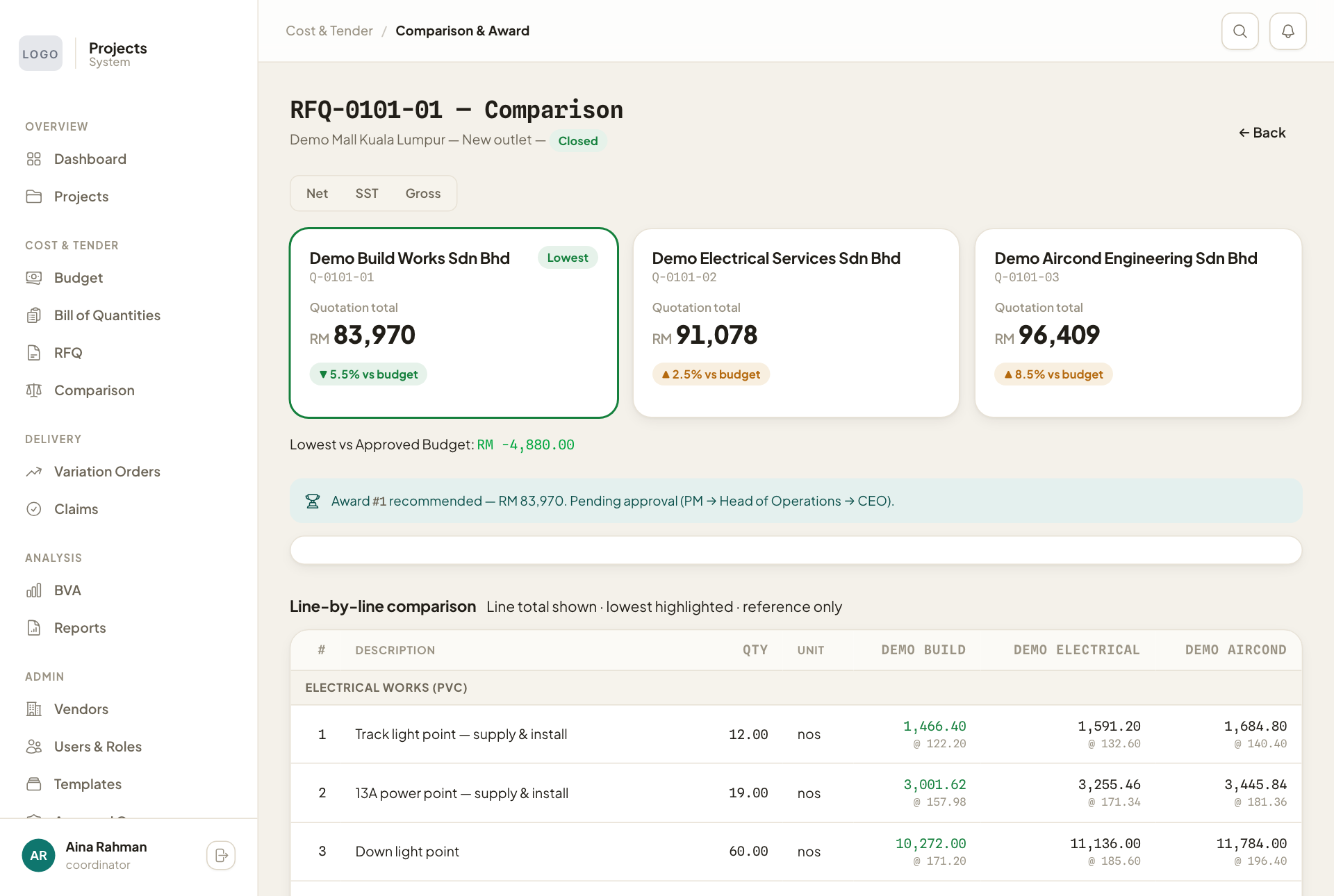
- Each vendor has a card with the quote total and how far it is above or below the approved budget. The lowest is marked Lowest. Switch between Net, SST and Gross to see the totals with or without tax.
- Scroll down to Line-by-line comparison to see each vendor's price for every item. The lowest price on each line is highlighted.
Award the contract
- Press the card of the vendor you choose.
- Check each vendor's extra items, then press I have reviewed MISC items — Proceed. A vendor who lists required extras separately can look dearer than one who leaves them out and charges them later.
- Type the Justification, for example why you did not pick the lowest quote.
- Press Recommend & submit for approval.
The whole quote goes to the chosen vendor, and the award goes through its approval chain. Once approved, the contract value counts as committed, and the vendor can start claiming payments.