Ask for a change to the work
For: Vendors
Whole guide as PDF (3 MB)If the work changes after you won the contract, ask for a variation instead of claiming it as extra.
- Open My Project and press Request Variation on the contract.
- Under Request a variation, pick the Type: Addition, Omission, Rate Change or New Item.
- Fill in the Description, Unit, Qty, Rate (RM) and the reason.
- Press Add line for each further change.
- Press Submit request.
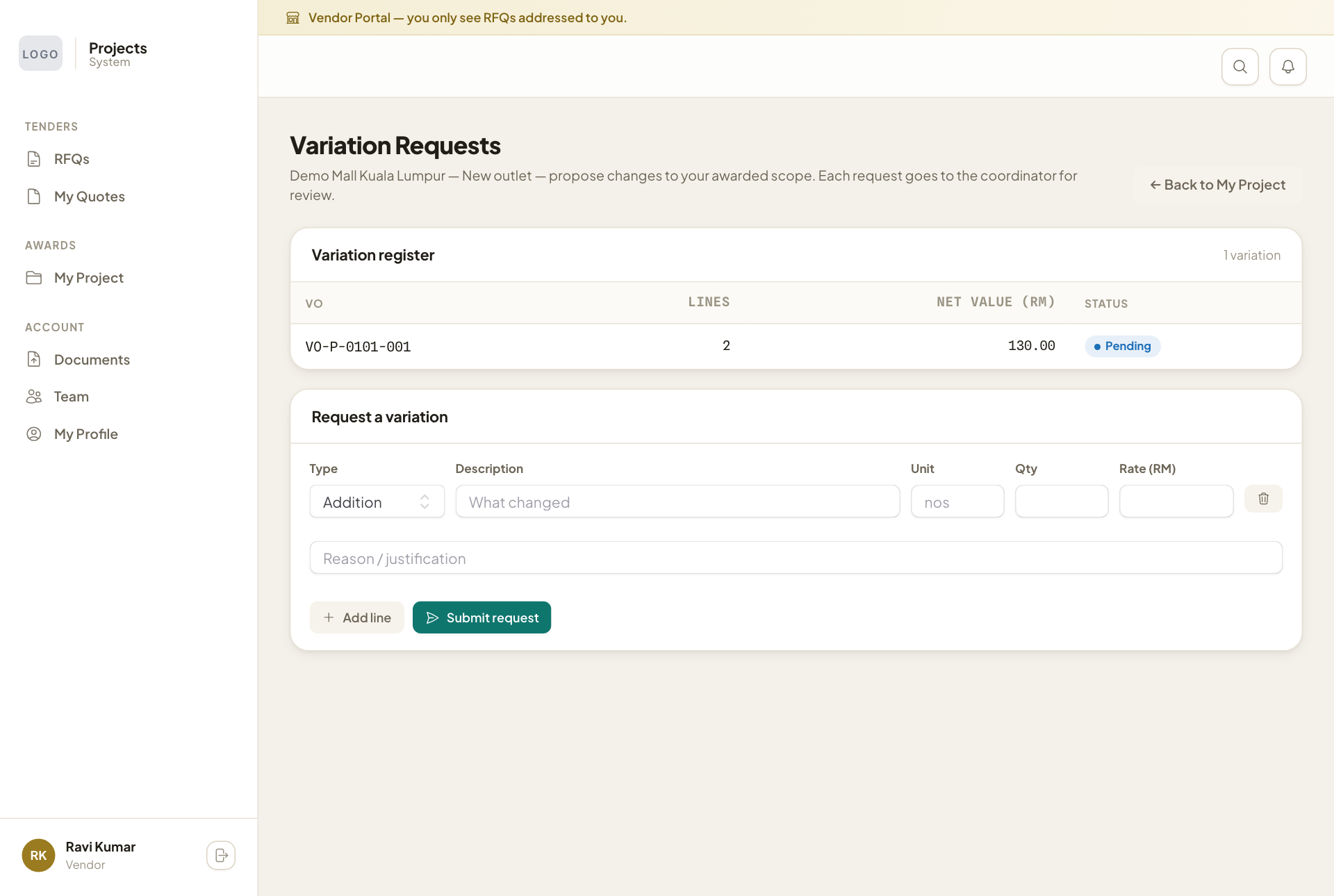
The request goes to the project coordinator. The Variation register at the top shows each request and its status.