Set who approves each document
For: Administrators
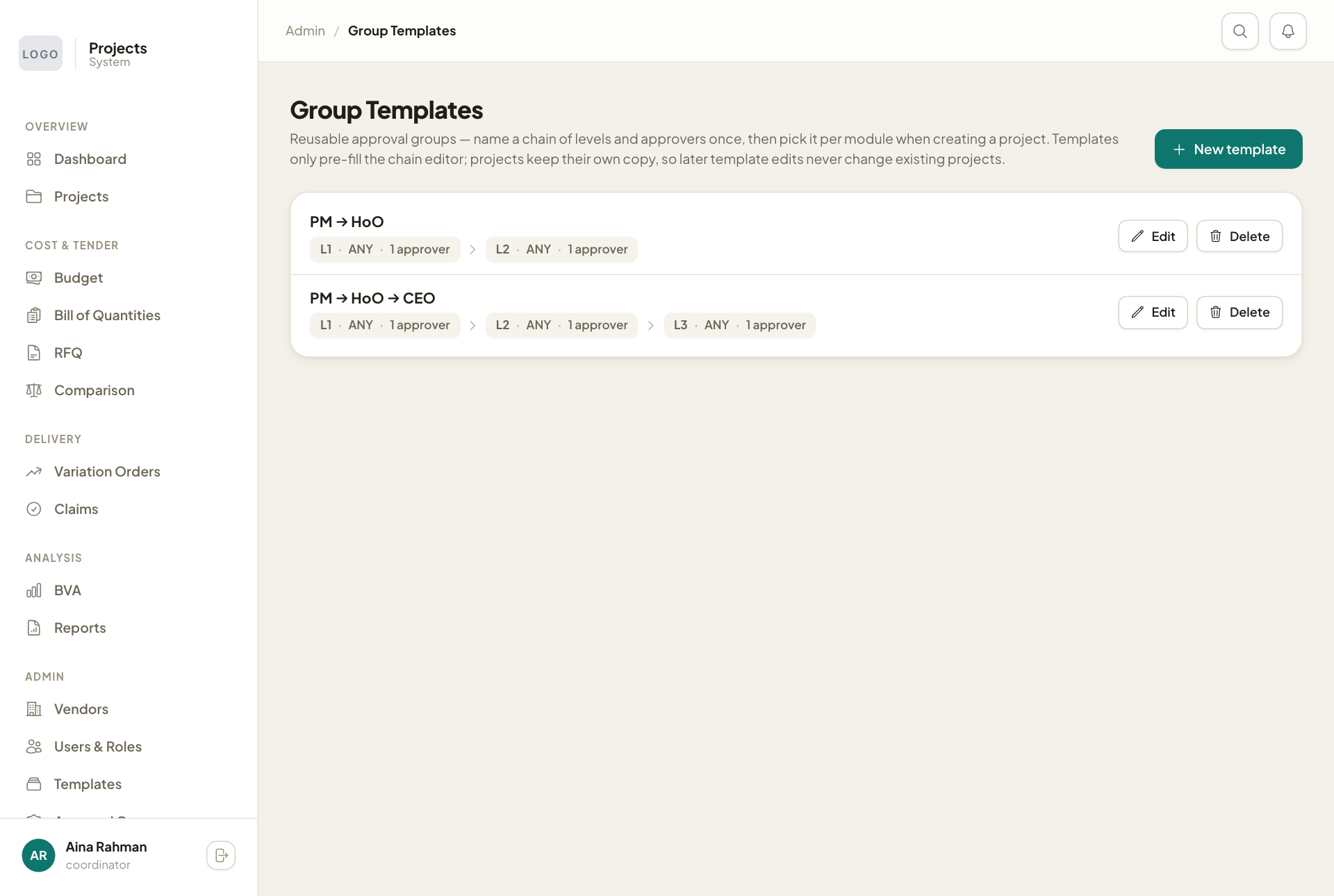
Whole guide as PDF (3 MB)Approval Groups decides who signs off each kind of document: budget, award, variation order, progress claim, final claim, milestone certification, retention release and vendor verification.
- Keep Scope on Global default to change the chain used by every project, or pick a project to give it its own chain.
- For each document, each Level has:
- Approval rule: Any one approves or All must approve.
- Minimum amount (RM): leave it on Always required, or type an amount so the level only applies to documents of that value or more.
- Approvers: the people who can approve at that level.
- Use Add level and Remove to change the chain.
- Press Save approval groups.
Levels run from top to bottom. A level clears when its rule is met, then the next one opens.
Group templates
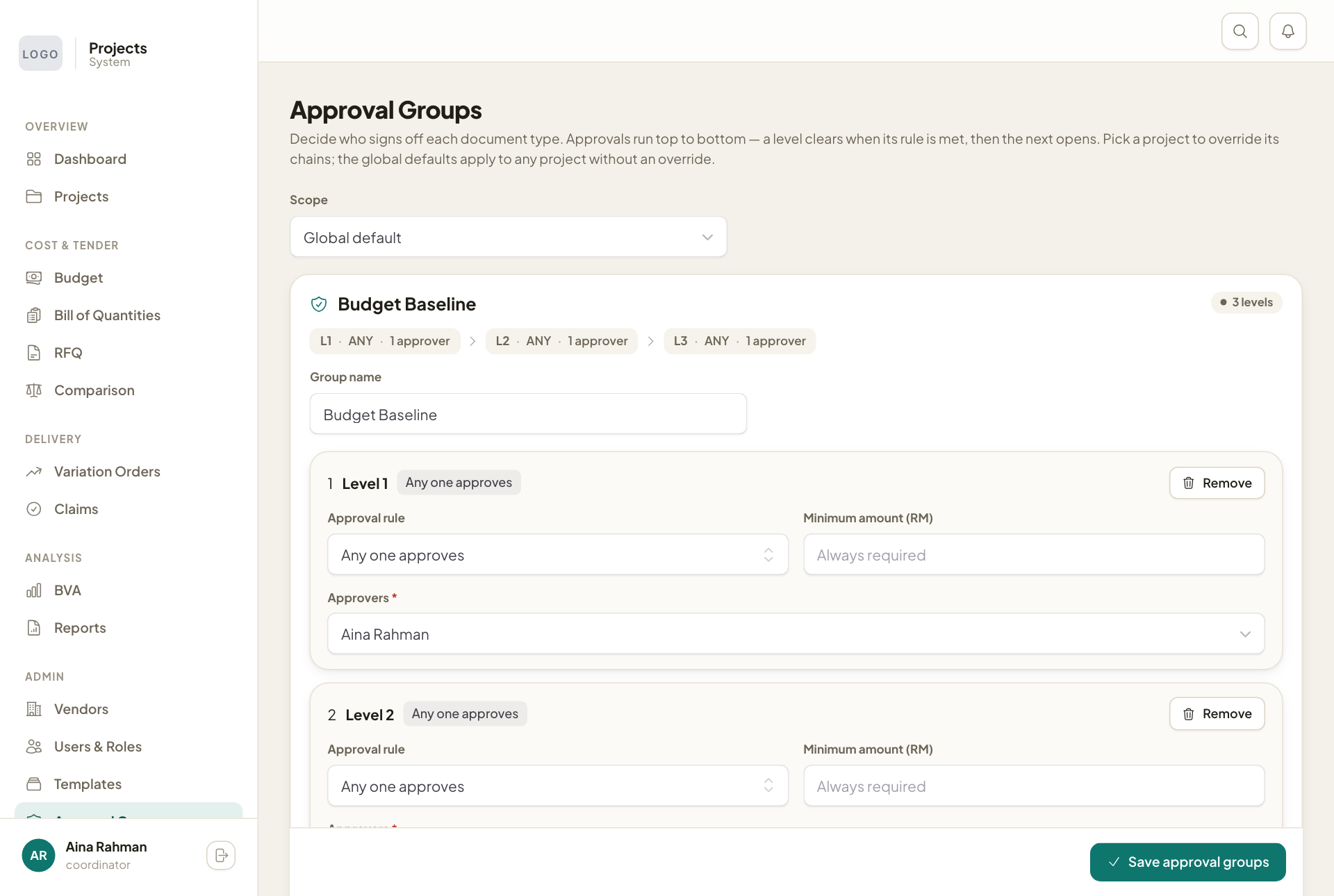
Group Templates keeps named chains to reuse, such as "PM → HoO → CEO". They are what Use group offers when someone creates a project. Press New template to add one, or Edit and Delete.
A project keeps its own copy of the chain, so changing or deleting a template later never changes an existing project.