Handle a variation order
For: Coordinators and approvers
Whole guide as PDF (3 MB)A variation order (VO) records a change to the work after the contract is awarded: extra work (Addition), work taken out (Omission), a new price for an item, or a new item. It changes the contract value once it is approved.
Raise one
- Open Variation Orders and press Open Register on the project.
- Press Raise VO.
- Fill in one line for each change: the type, a description, the unit, quantity, rate and reason. Press + Add Line for the next one.
- Press Submit Variation Order. The reference number is given on submission, and the VO goes to its approval chain.
Vendors can also ask for a change from their own screens. Their request appears in the same register for you to review.
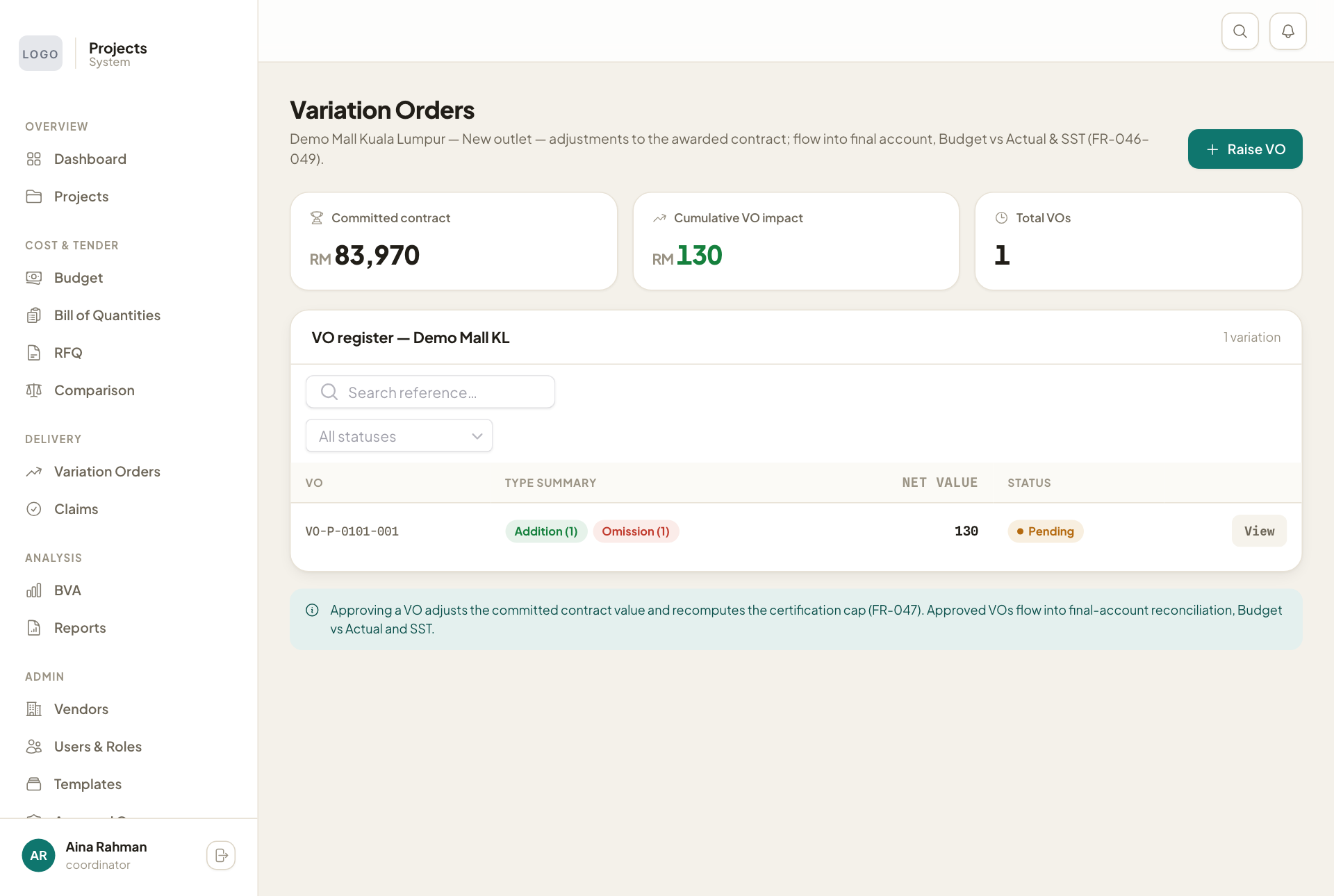
The boxes at the top show the Committed contract, the Cumulative VO impact and the number of VOs. Press View on a VO to see its lines and approve it.
If a VO is more than 10% of the contract sum, its page shows a warning that it needs approval from the top of the company. The warning does not stop it.