Quote for work
For: Vendors
Whole guide as PDF (3 MB)Your company's screens show only the requests addressed to you. The menu has three parts: Tenders (RFQs and My Quotes), Awards (My Project) and Account (Documents, Team and My Profile).
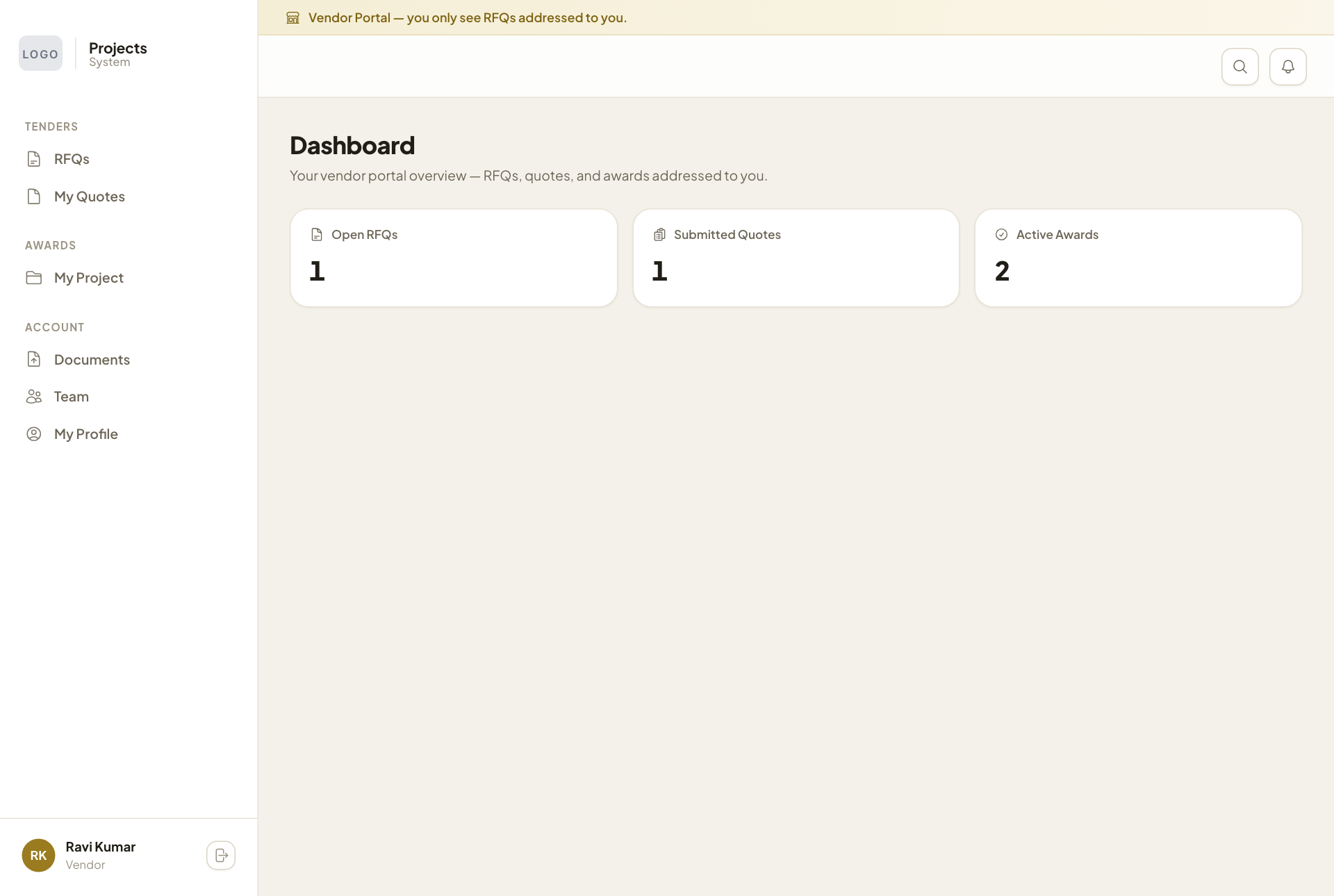
The Dashboard counts your Open RFQs, Submitted Quotes and Active Awards.
Price a request
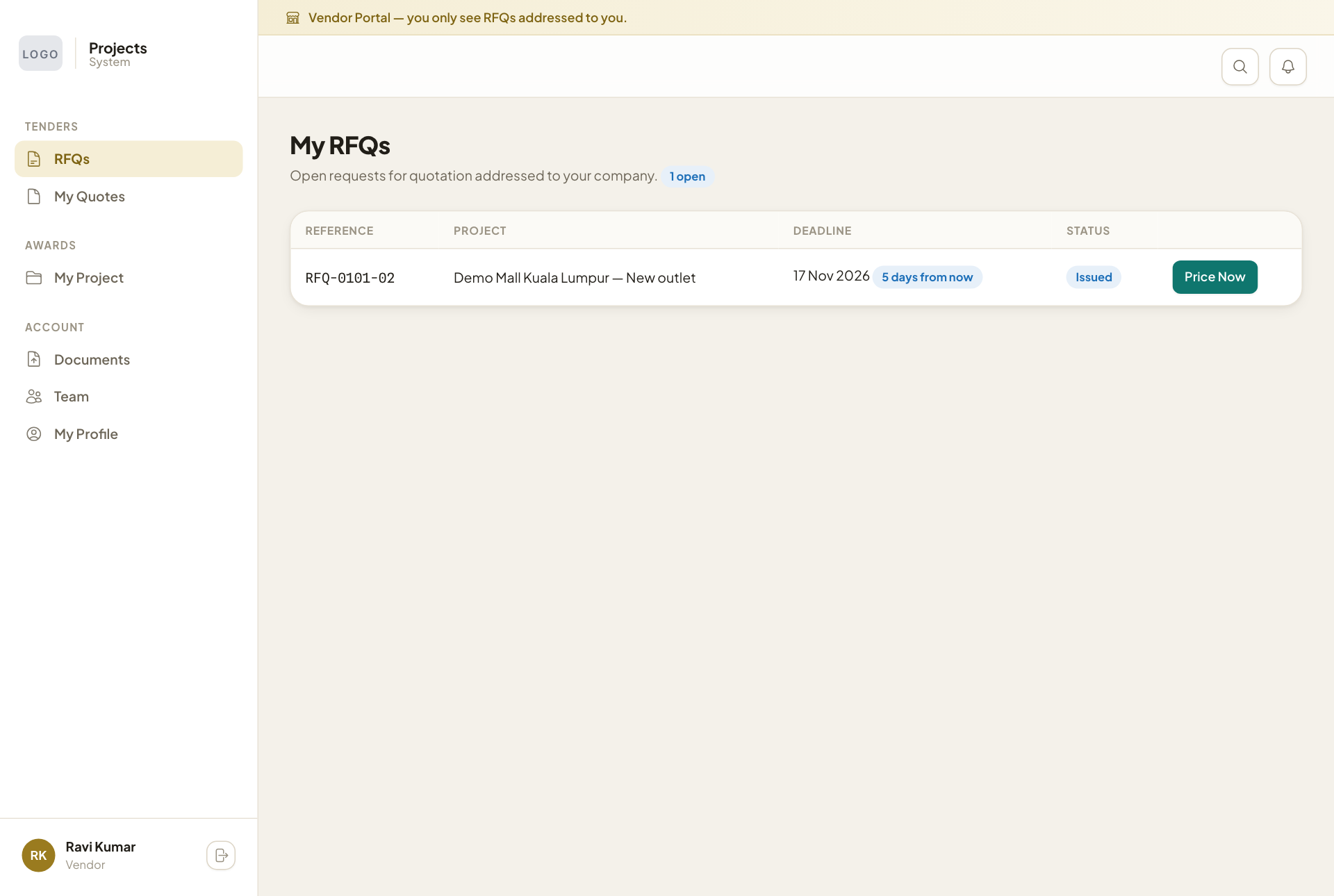
- Open RFQs. Each request shows the project, the deadline and how many days are left.
- Press Price Now.
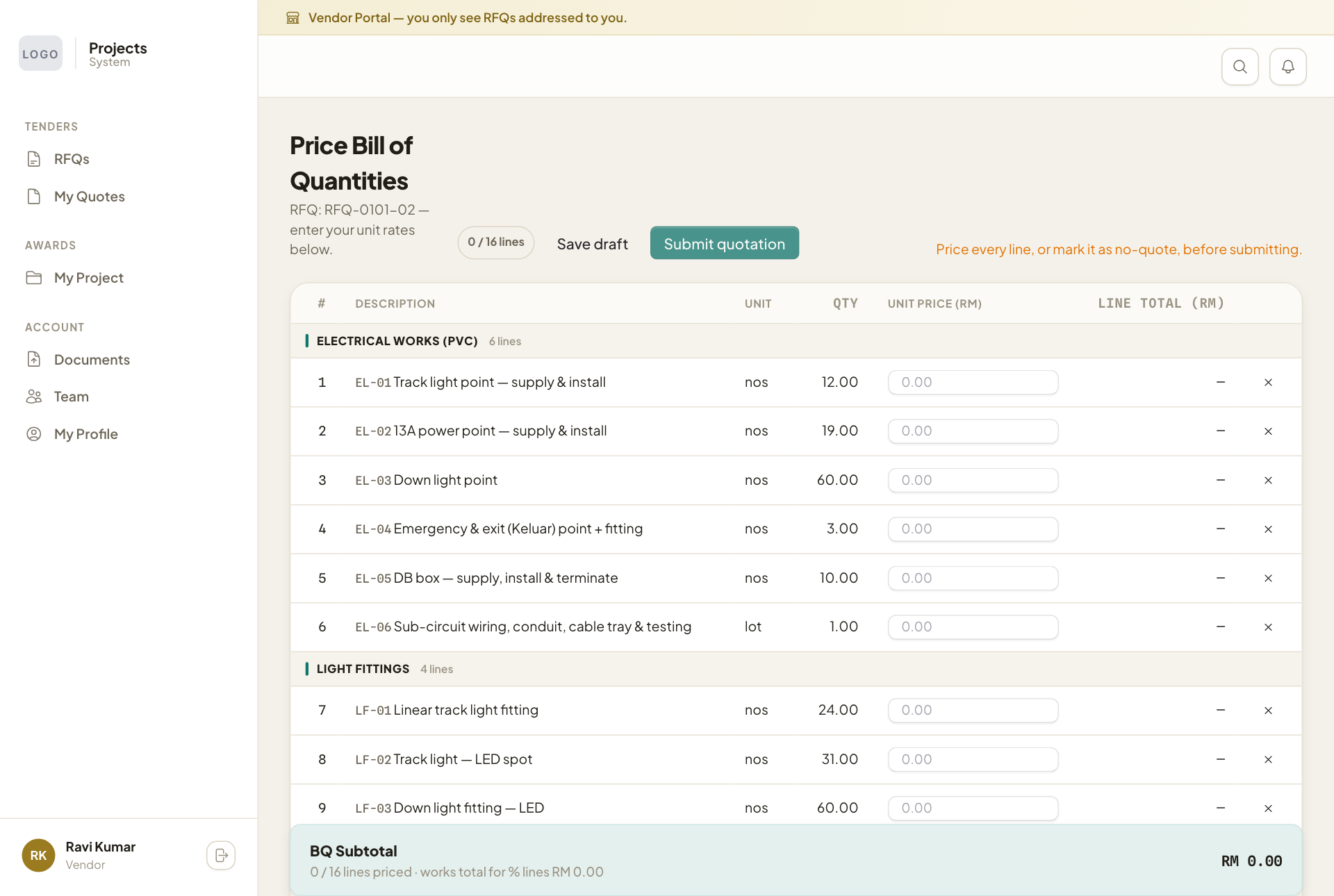
- Type your UNIT PRICE (RM) for each line. The line total and the subtotal at the bottom update as you type.
- If you do not want to price a line, mark it as no-quote with the × at the end of the line, so the company knows you left it out on purpose.
- Press Save draft to finish later, or Submit quotation when every line is priced or marked.
Some lines are a percentage, shown with a badge such as "8% of total amt or maximum 15k". Type the percentage you charge (for example 8). The amount is worked out from your other prices and stops at the maximum.
Submit before the deadline. A late quote may not be considered.
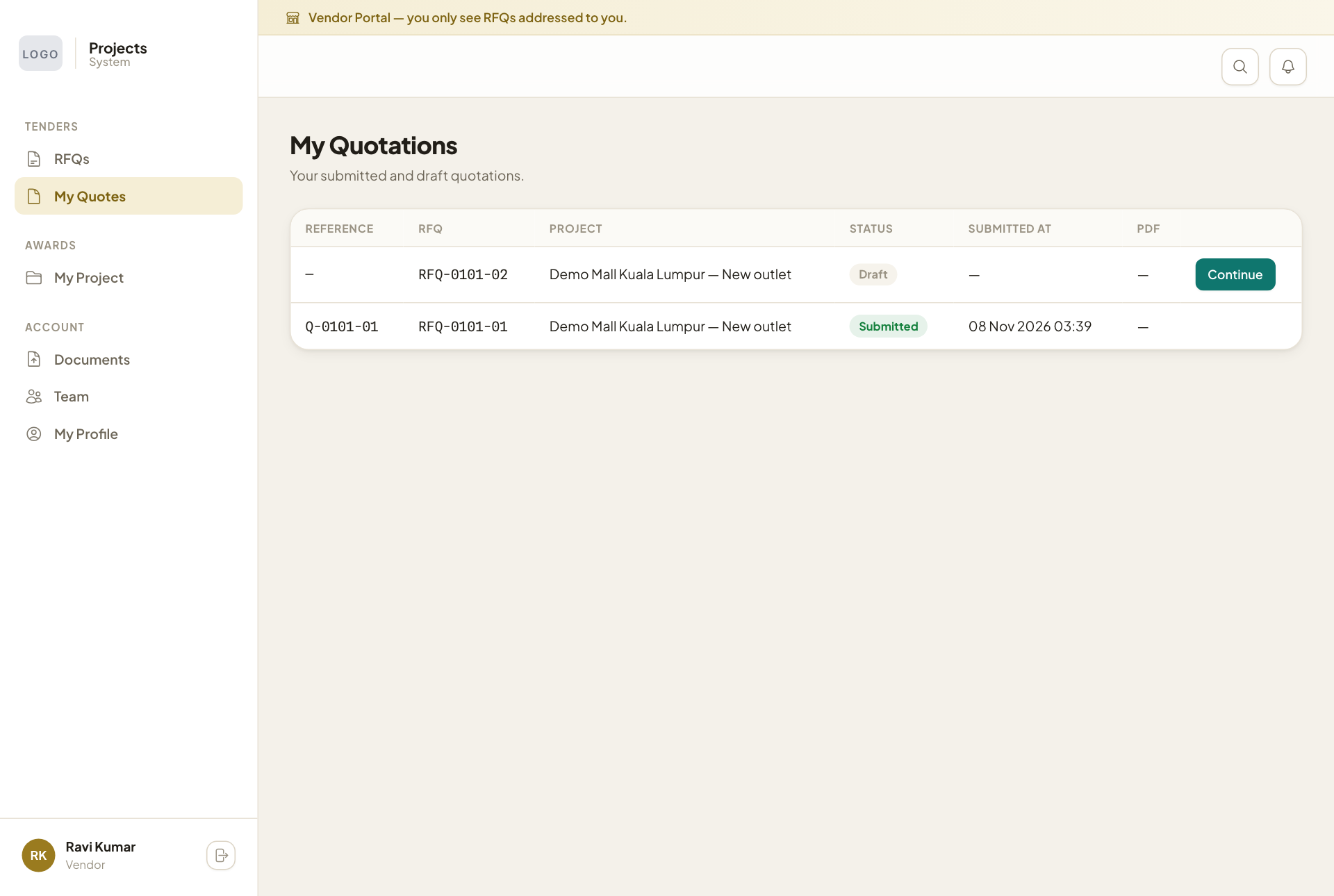
Your quotes
My Quotes lists your quotes with their status. A draft has Continue to carry on pricing.