Follow costs, reports and retention
For: Managers and finance
Whole guide as PDF (3 MB)Budget against actual spend
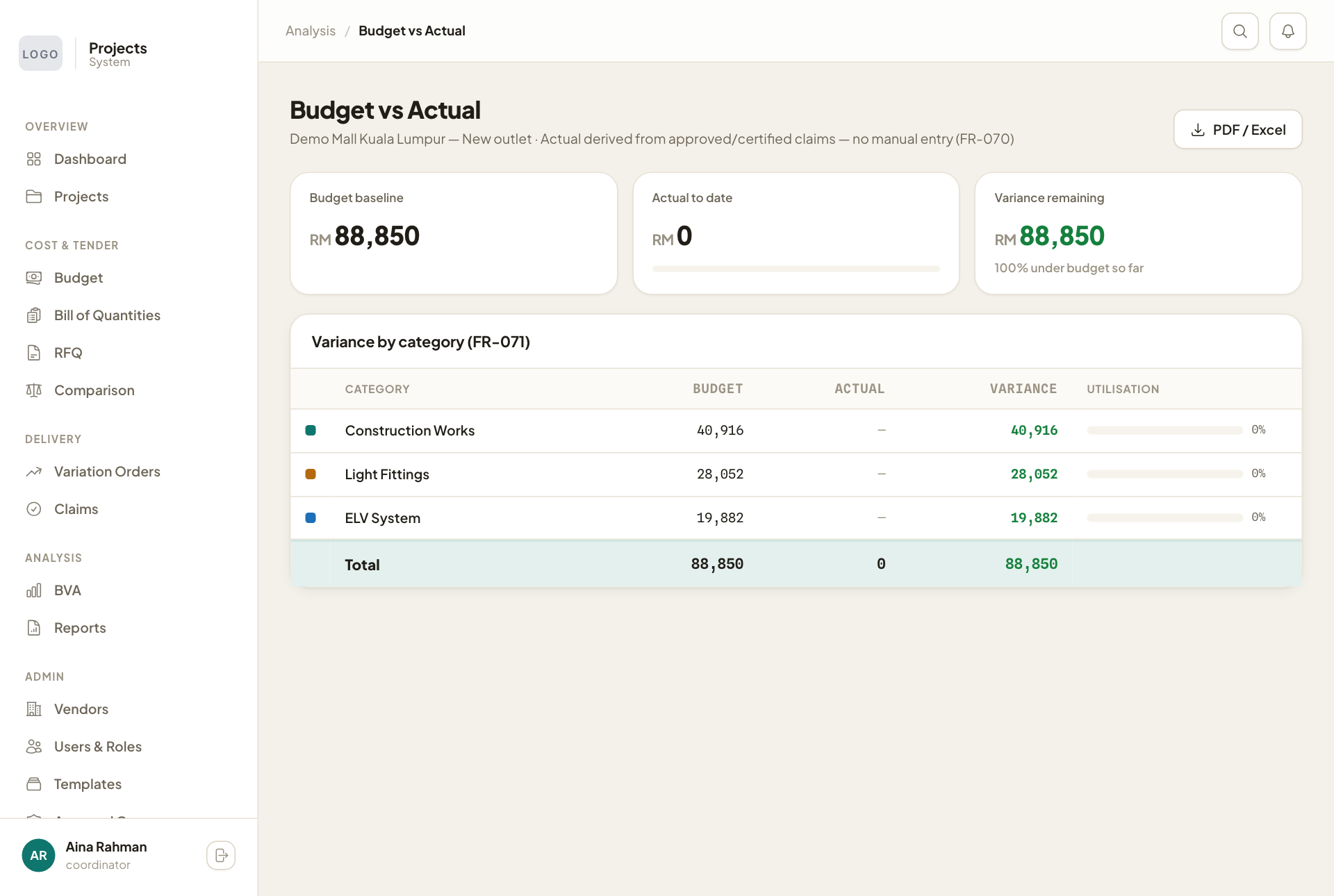
Open BVA, then pick a project. For each cost category you see the budget, the actual spend so far, what is left, and how much of the budget is used. The actual spend comes from approved and certified claims; nobody types it in. PDF / Excel downloads the report.
Reports
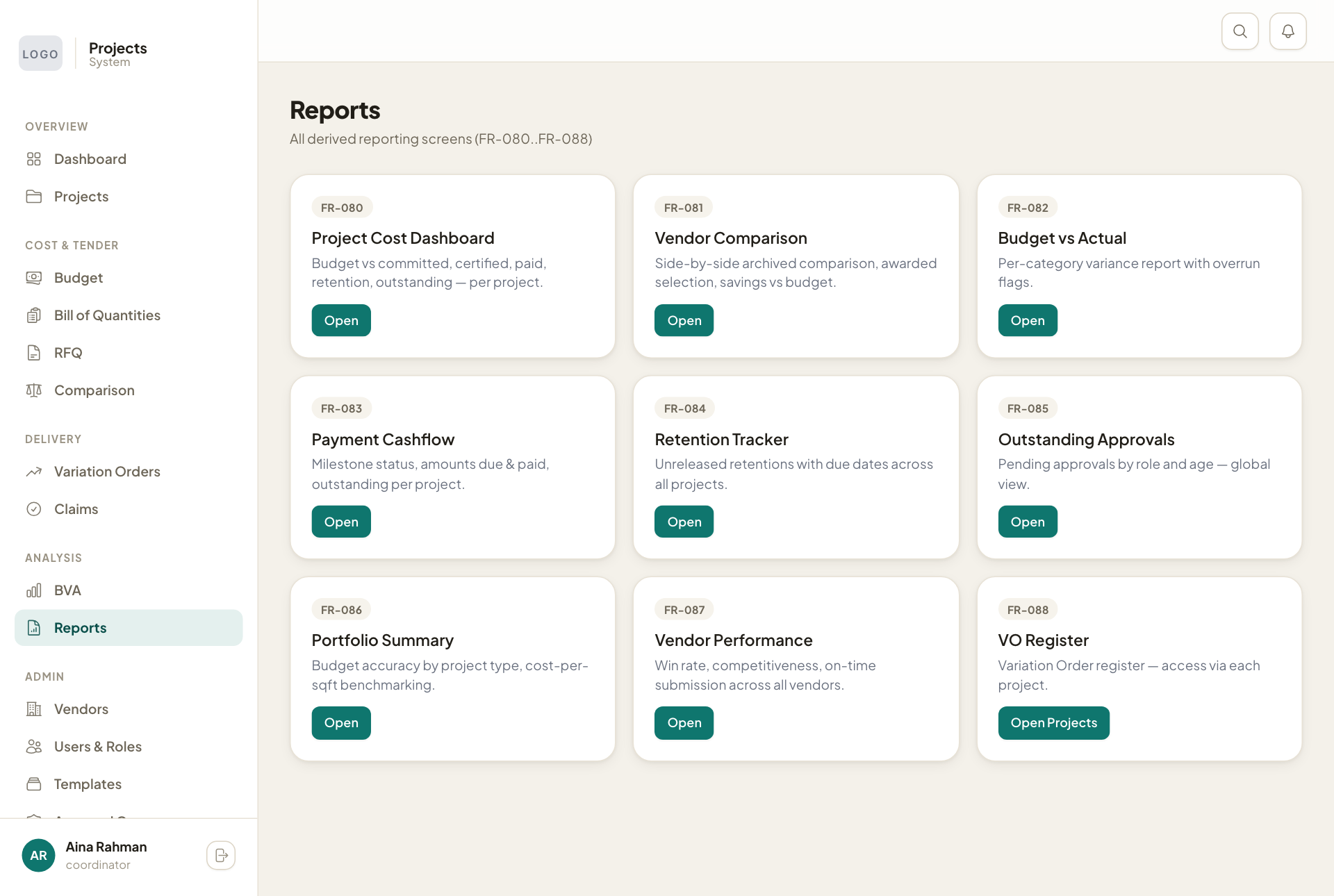
Reports holds every report in one place. Press Open on the one you need:
- Project Cost Dashboard: budget, committed, certified, paid and retention for each project.
- Vendor Comparison: past comparisons and what was saved against the budget.
- Budget vs Actual: the report above.
- Payment Cashflow: each payment stage, what is due and what is paid.
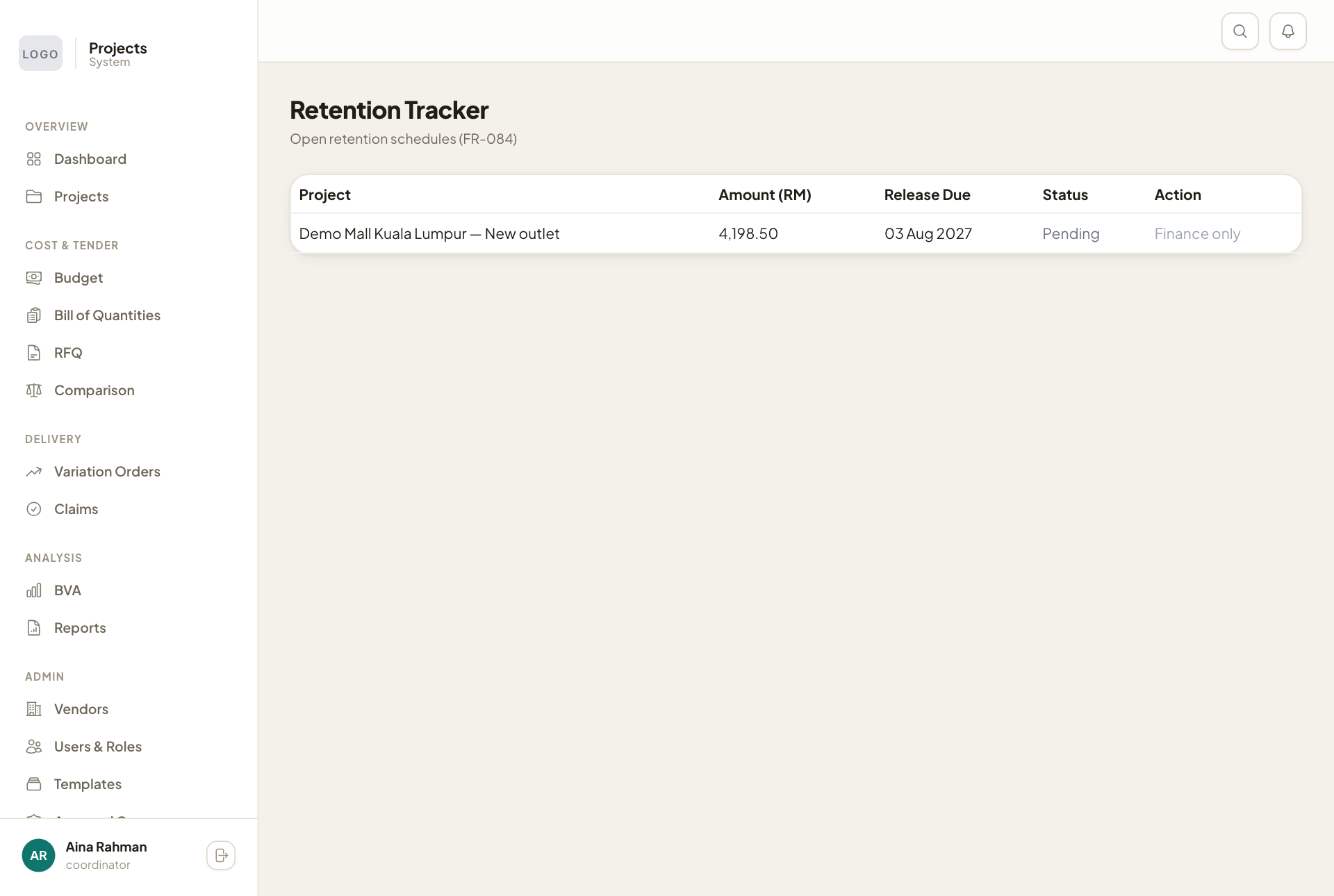
- Retention Tracker: money held back and when it is due.
- Outstanding Approvals: everything waiting for approval, by role and age.
- Portfolio Summary: how accurate budgets were, and cost per square foot by project type.
- Vendor Performance: each vendor's win rate and how often they quote on time.
- VO Register: opened from each project.
Retention
Retention is the part of a contract held back until some months after the outlet opens. Retention Tracker lists each amount with its release date. When the date comes, a user with the Finance role presses Release. Everyone else sees Finance only in that column.